Photorealistic image prompts with author and original source. Open one, copy it, paste it into GPT Image, Nano Banana…
Conversational editing workflow prompts
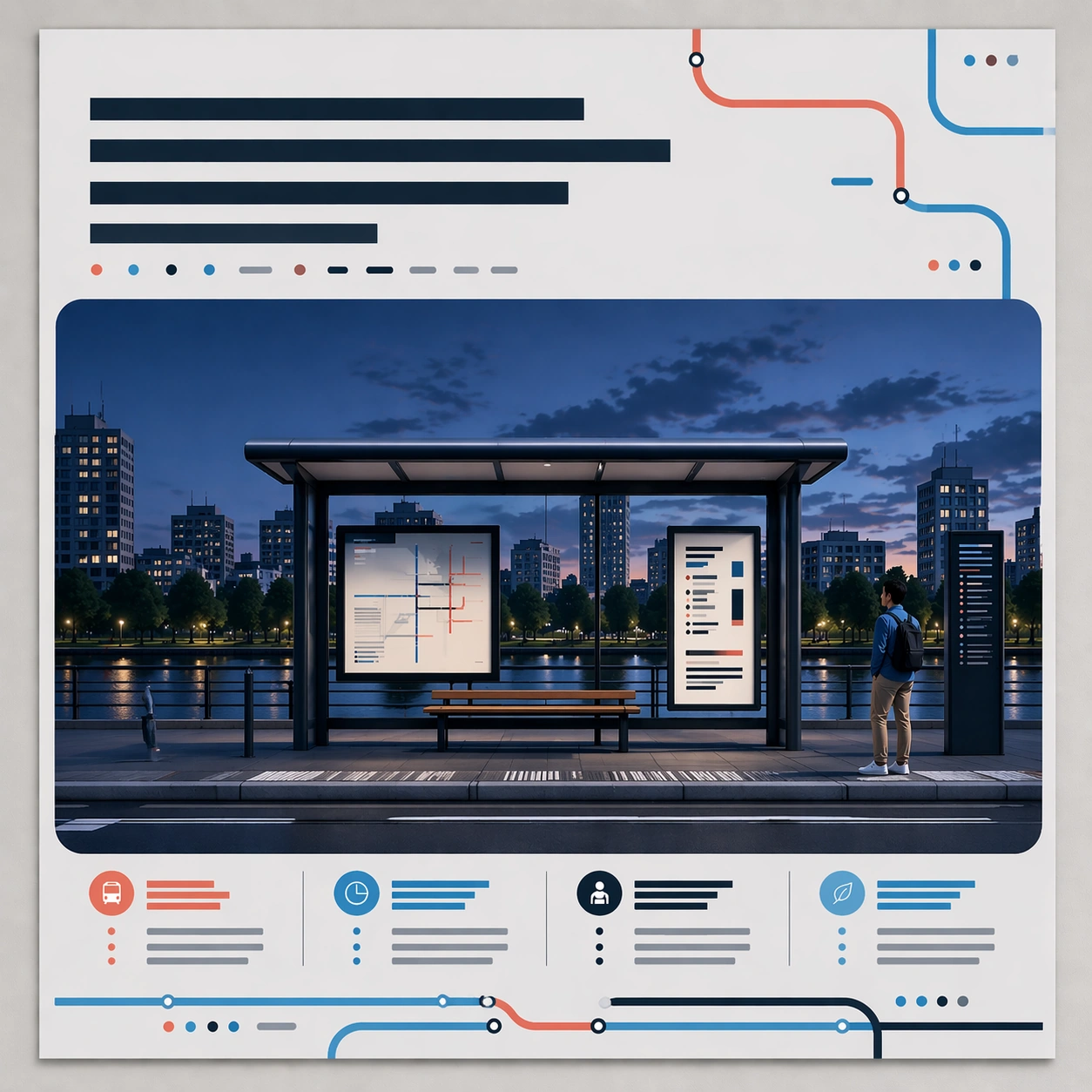 Final Balanced Campaign
Scene: Square crop of the final version of the same transit campaign poster on the same review wall, straight-on and evenly lit. It should read as the polished result after several conversational edit
by ChaosRealmsAI · GPT Image (OpenAI)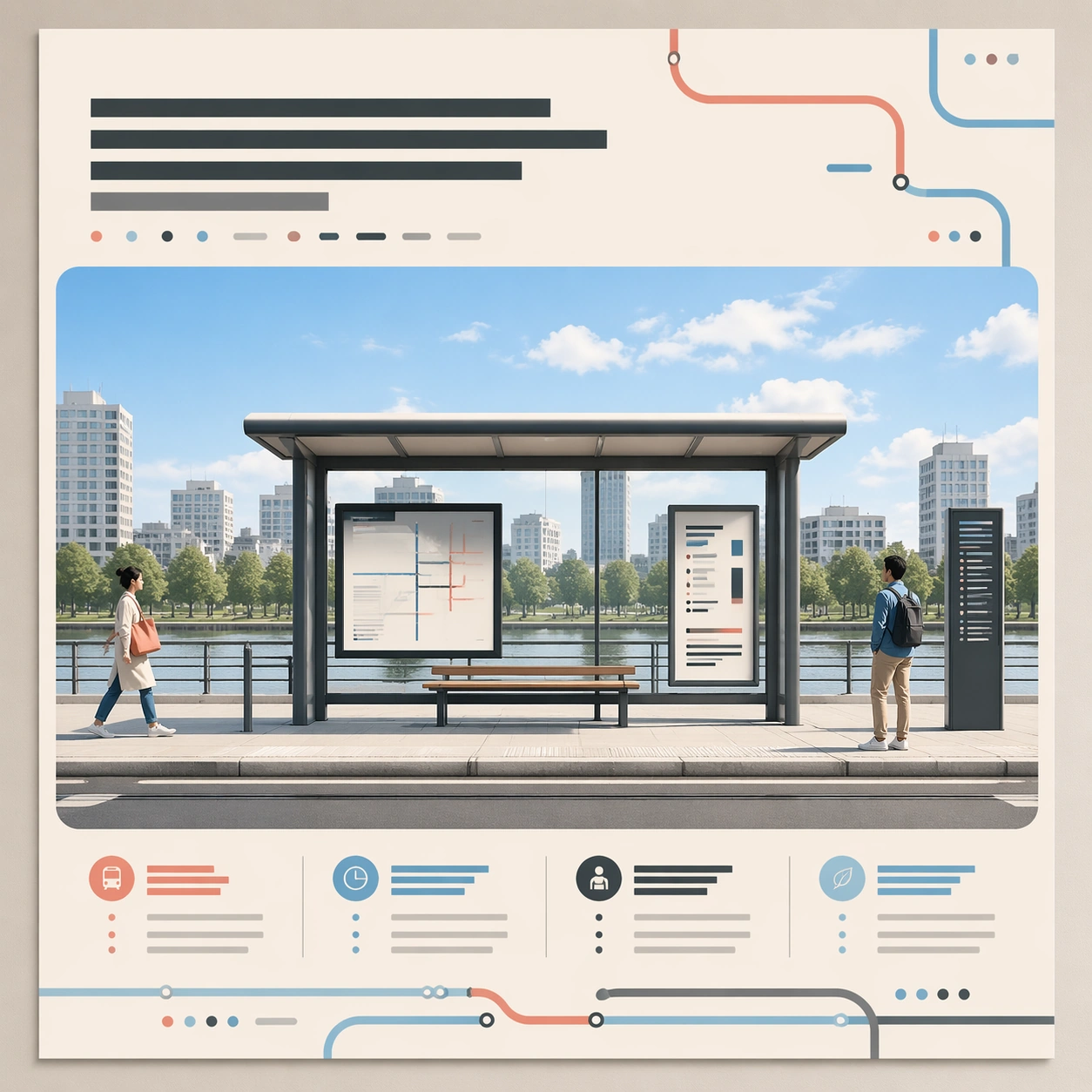 Base Transit Poster
Scene: Square crop of a polished public-transit campaign poster displayed flat on a design review wall, bright neutral studio lighting, crisp editorial realism, clean margins, and a calm modern palett
by ChaosRealmsAI · GPT Image (OpenAI)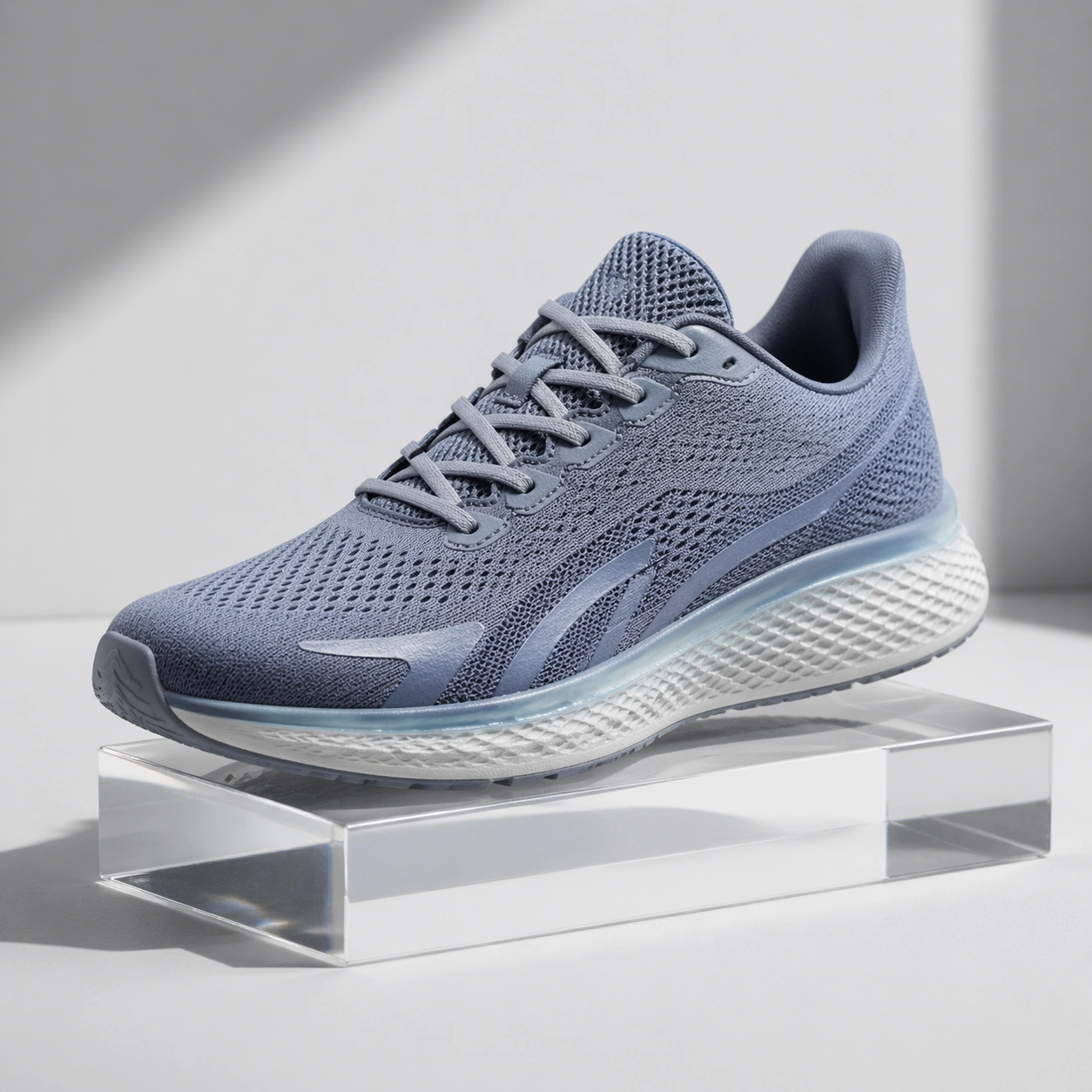 Product Colorway Edit
Scene: Square crop of a product photography set for a lightweight running shoe, clean studio sweep, softbox lighting, pale gray floor, and a few controlled prop shadows. The style is photorealistic co
by ChaosRealmsAI · GPT Image (OpenAI)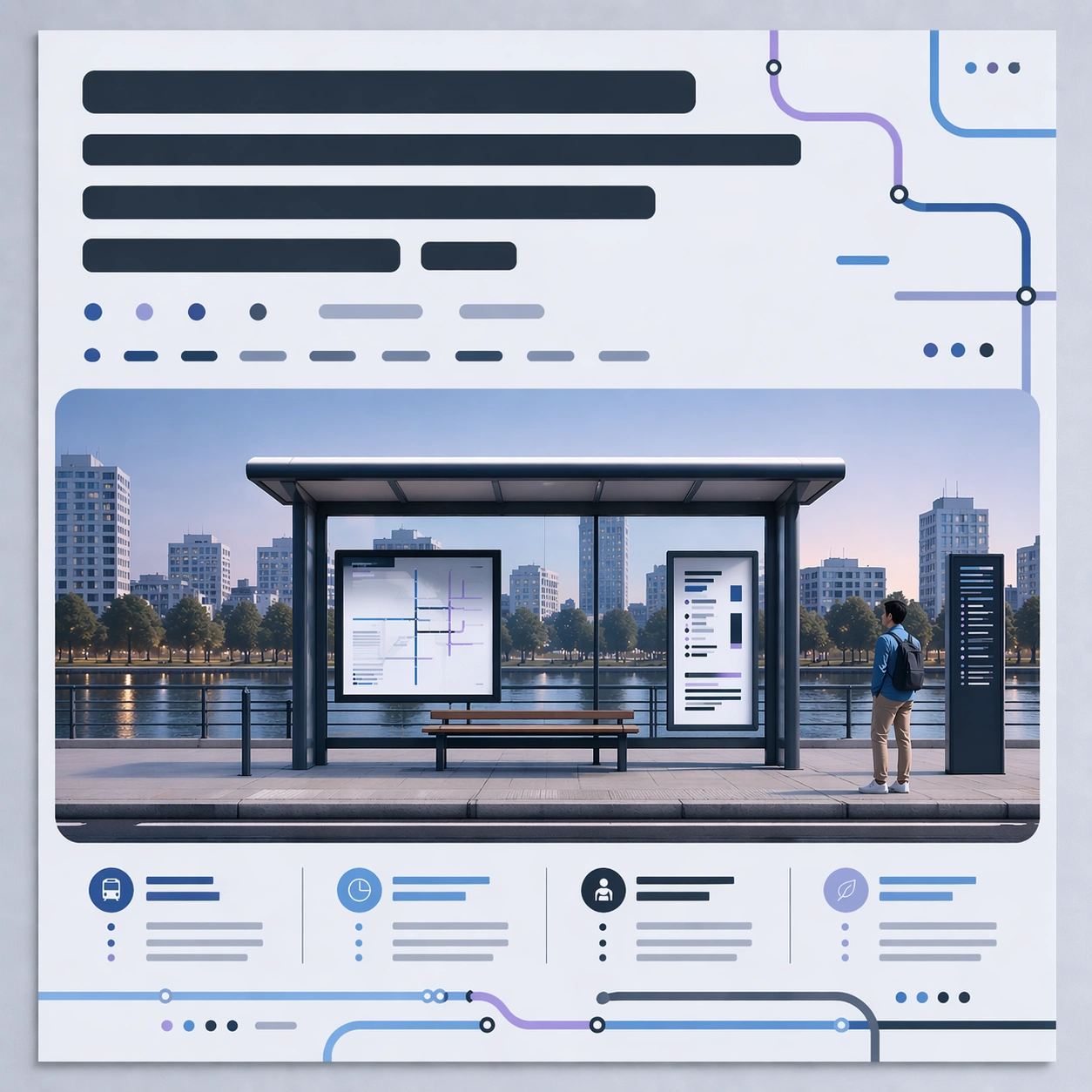 Larger Cooler Heading
Scene: Square crop of the same transit campaign poster on the same neutral review wall, using the reference as the visual source. The image should look like the next conversational edit after the dusk
by ChaosRealmsAI · GPT Image (OpenAI)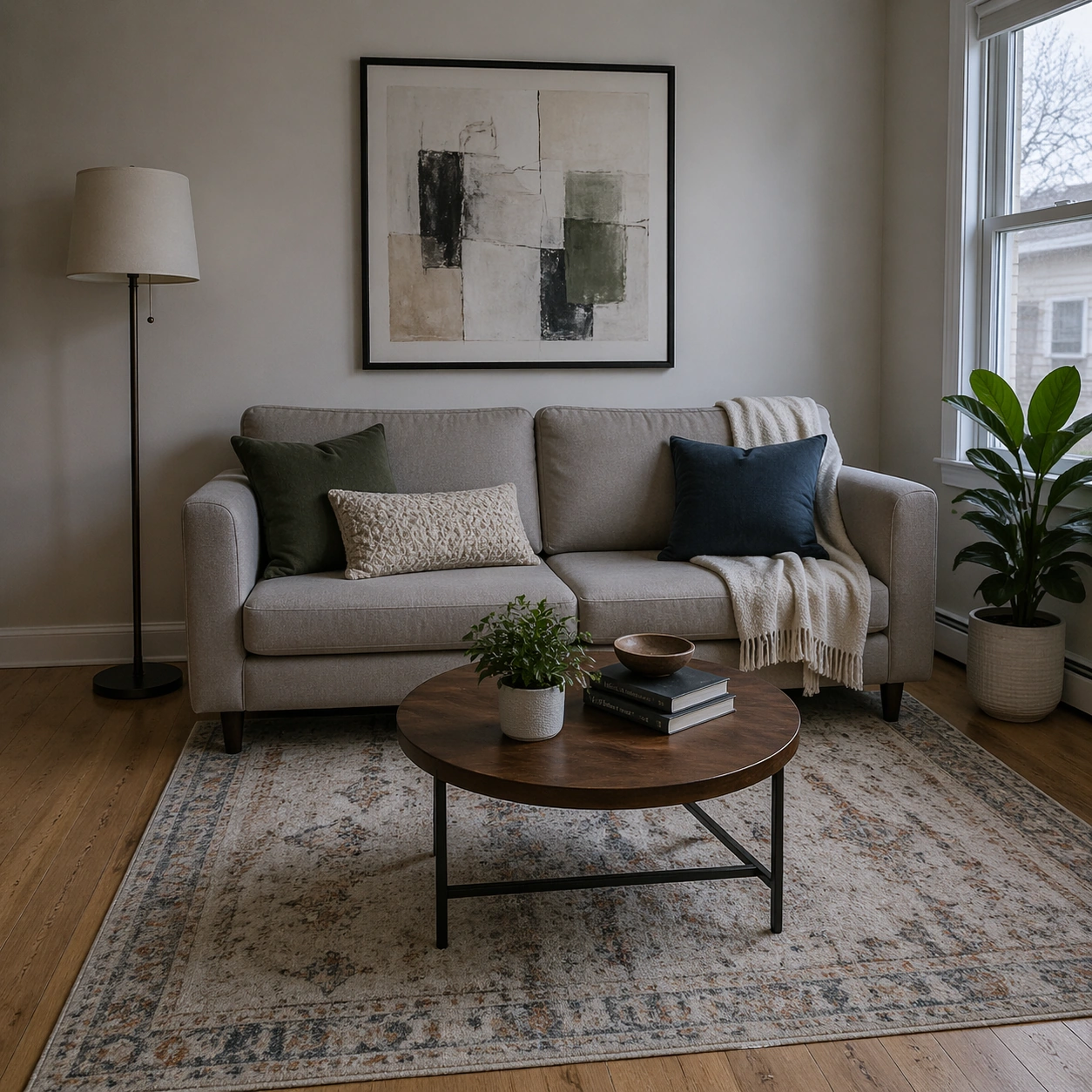 Living Room Declutter
Scene: Square crop of a compact living room photographed from eye level, soft overcast daylight through a side window, realistic interior design styling, natural wood floor, cream walls, and a calm ba
by ChaosRealmsAI · GPT Image (OpenAI)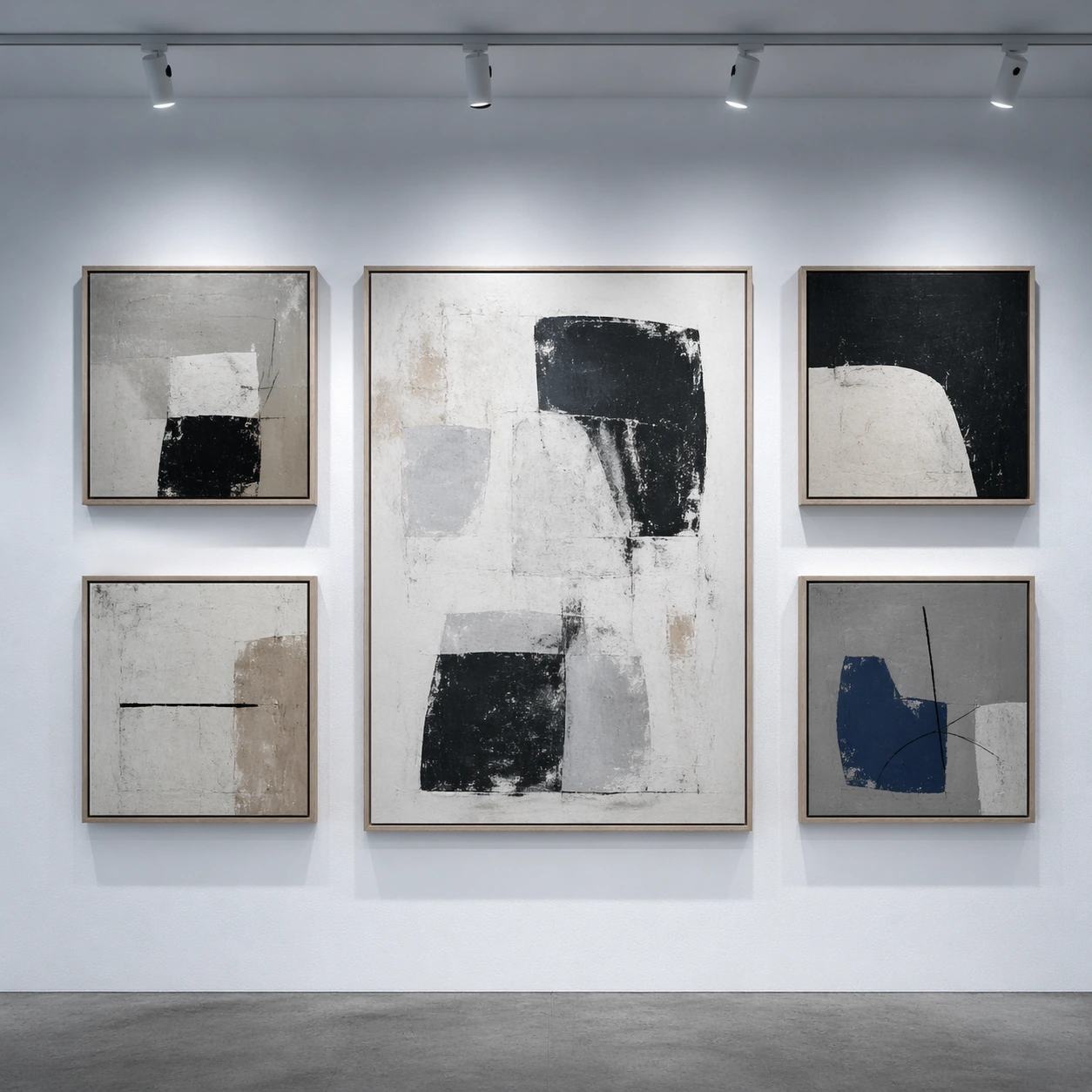 Gallery Layout Correction
Scene: Square crop of a contemporary gallery wall photographed straight-on, soft ceiling track lights, matte white wall, concrete floor edge, and a restrained exhibition design mood. The image should
by ChaosRealmsAI · GPT Image (OpenAI)