Photorealistic image prompts with author and original source. Open one, copy it, paste it into GPT Image, Nano Banana…
Learning app onboarding and lesson ui prompts
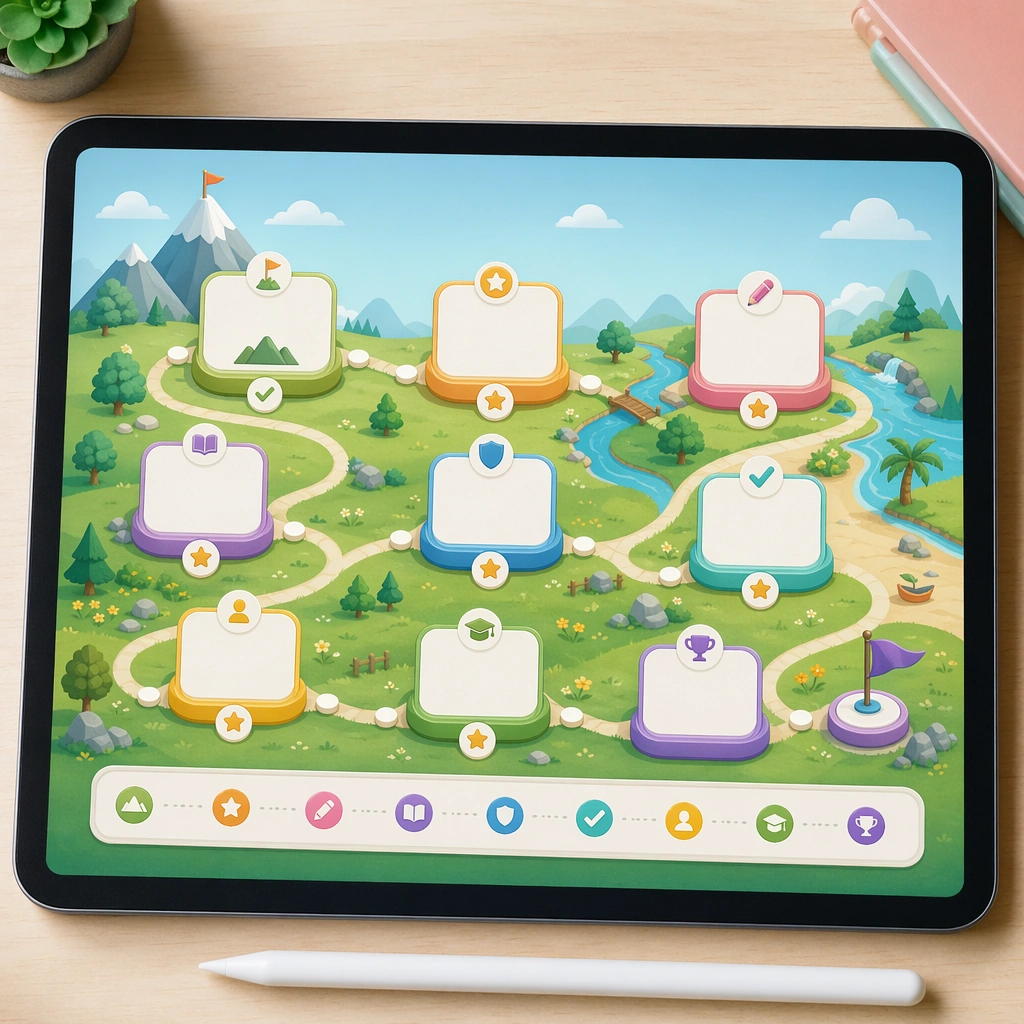 Course Map Board
Scene: Show a square overview board displayed on a tablet screen or lightweight poster, with a clear path-like composition and crisp educational lighting. The image should feel like a curriculum prese
by ChaosRealmsAI · GPT Image (OpenAI)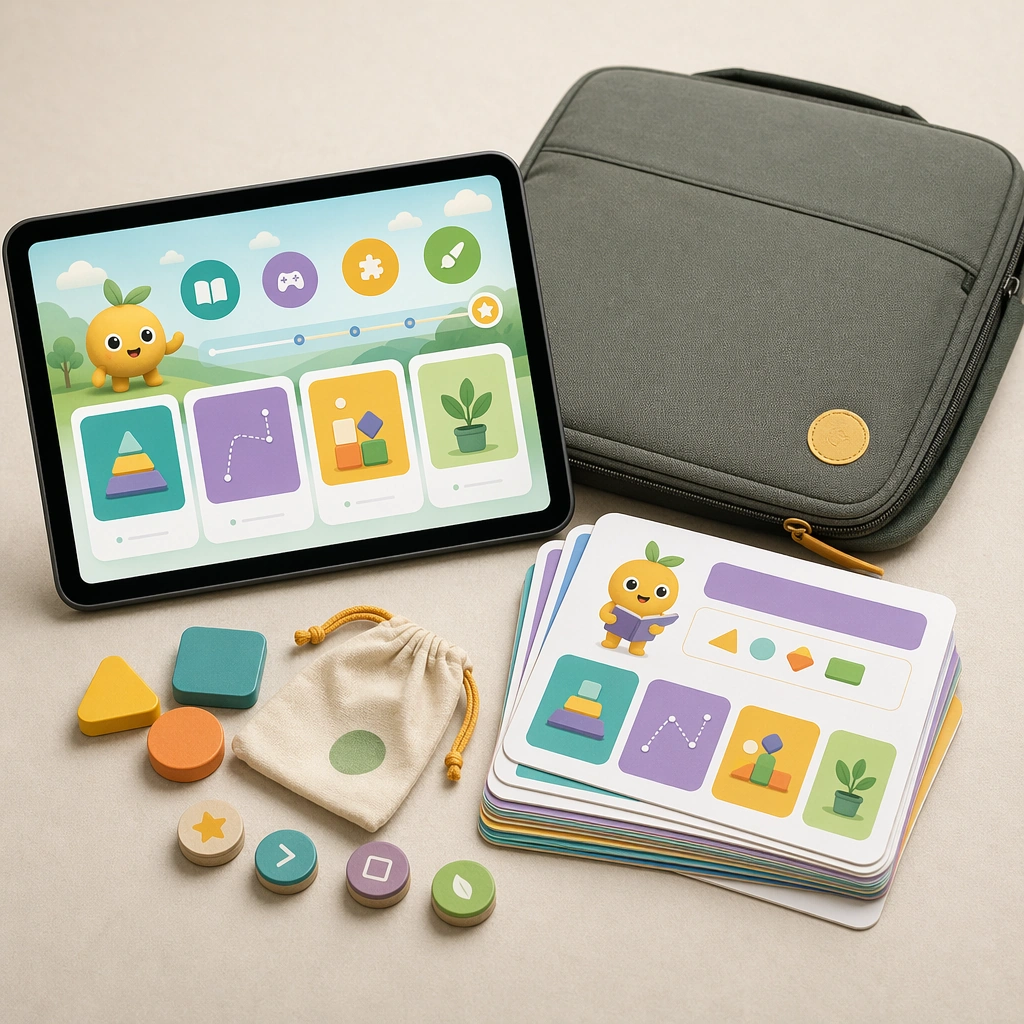 Tablet and Card Pack
Scene: Show a square hybrid product mockup with a tablet, a stack of lesson cards, a carrying sleeve, and a few tactile tokens on a soft studio surface. The lighting should be bright, premium, and bel
by ChaosRealmsAI · GPT Image (OpenAI)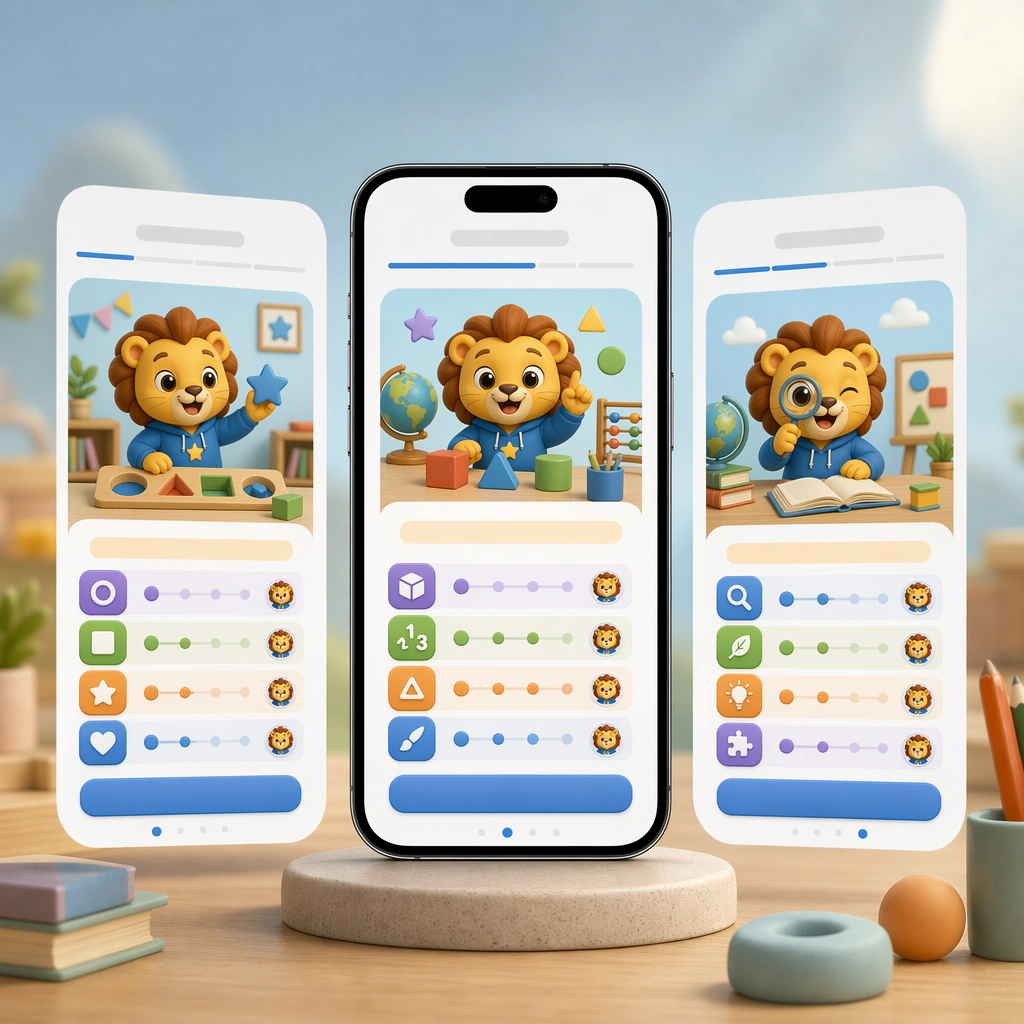 Placement Lesson Screen
Scene: Keep the same square device-shot composition, camera angle, and product-lighting polish from the reference onboarding image. The arrangement should feel like the next approved asset in the same
by ChaosRealmsAI · GPT Image (OpenAI)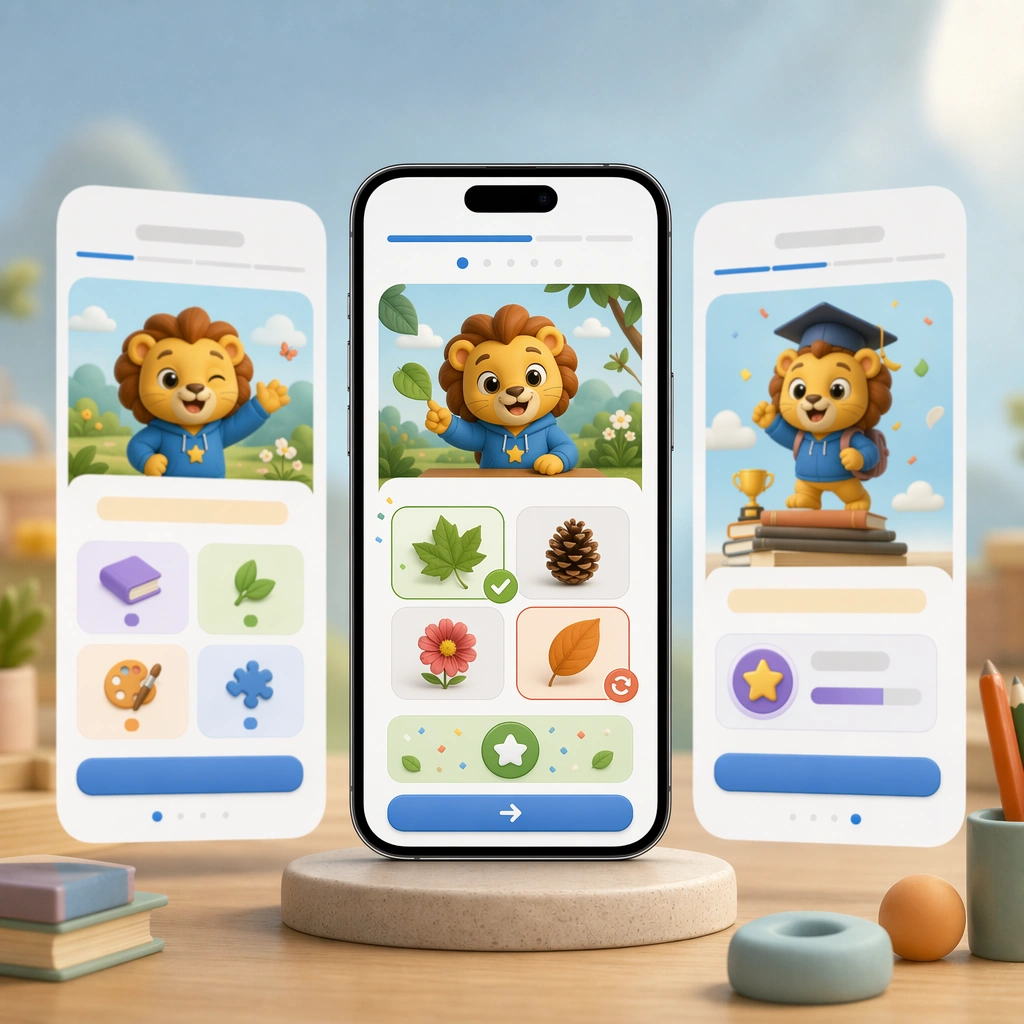 Practice Feedback Screen
Scene: Render the same square hero composition with a smartphone front and center, subtle layered depth, and studio-grade reflections that match the reference screen set. The image should look like a
by ChaosRealmsAI · GPT Image (OpenAI)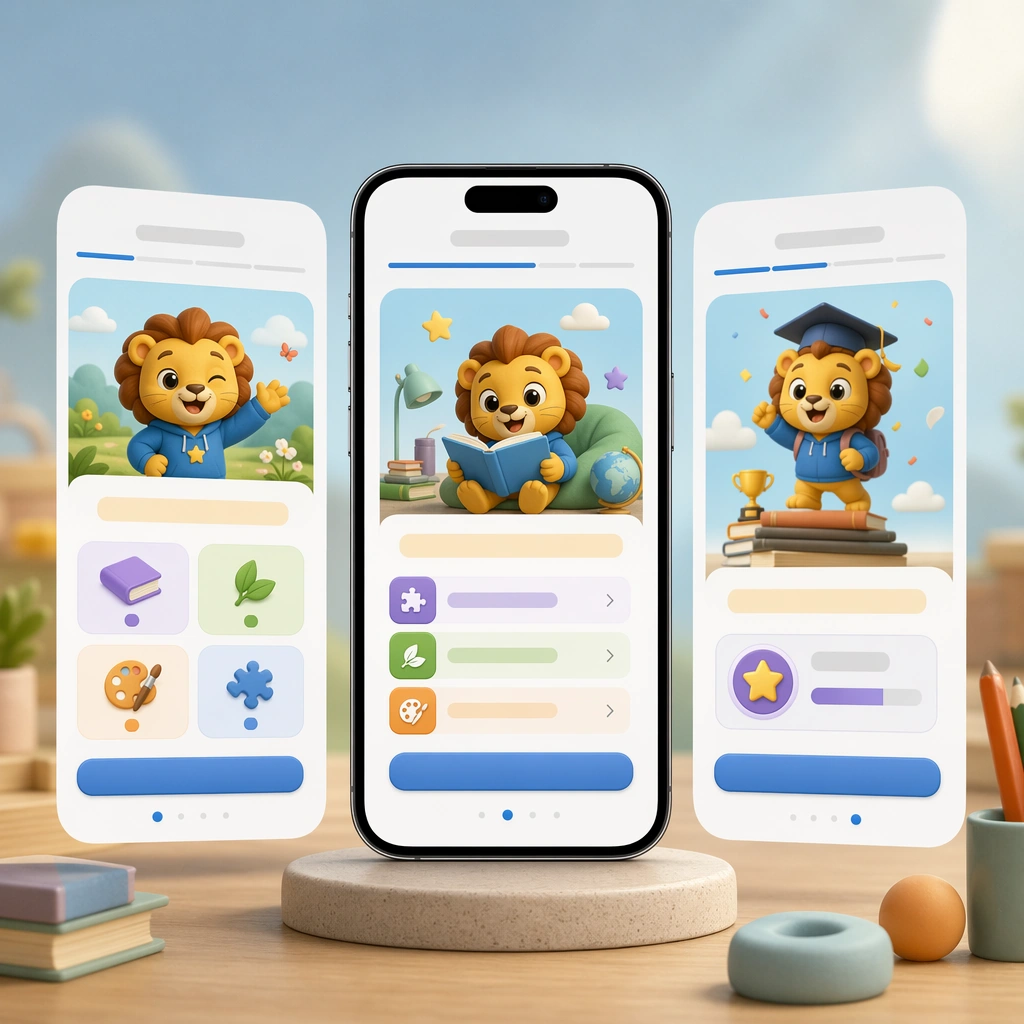 Reference Onboarding Stack
Scene: Create a square product-shot composition featuring a smartphone and two floating companion screens on a soft atmospheric backdrop, with polished device reflections and bright friendly lighting.
by ChaosRealmsAI · GPT Image (OpenAI)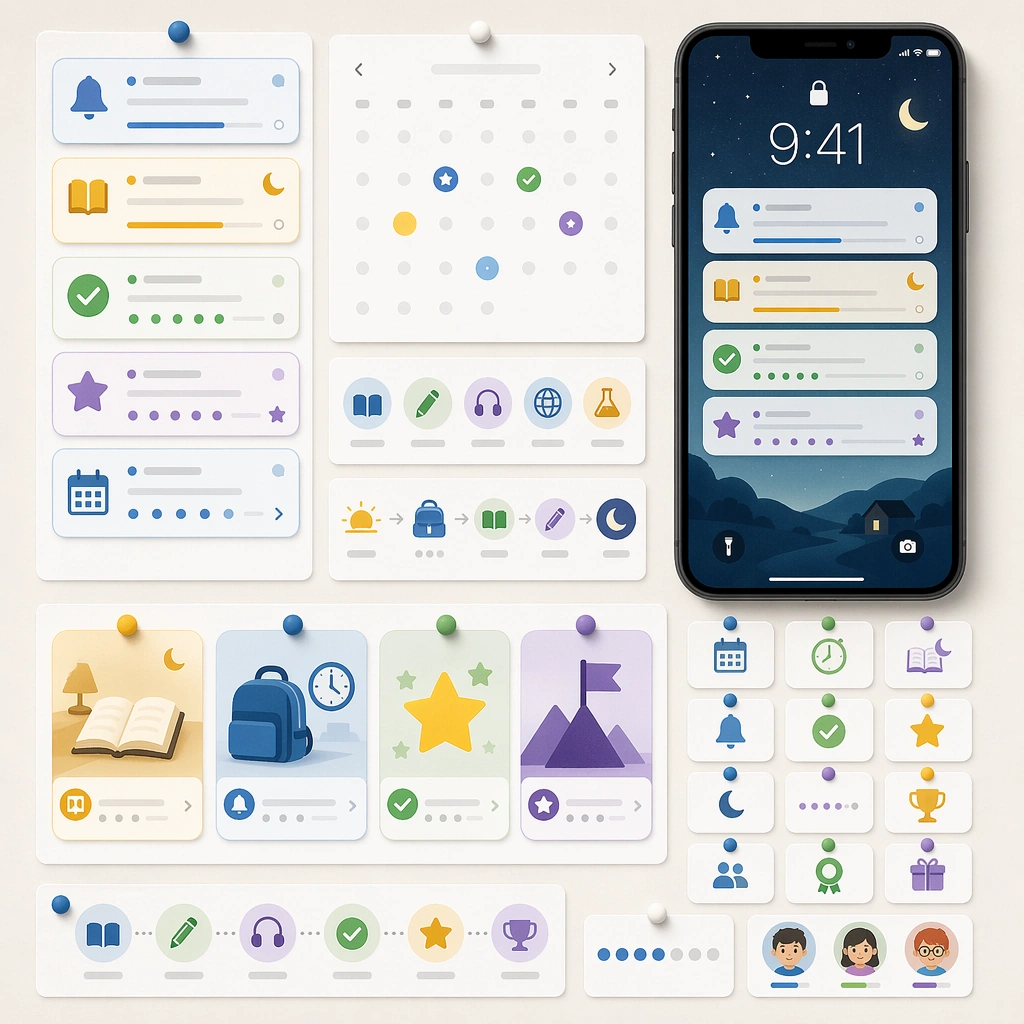 Reminder Notification Board
Scene: Create a square editorial board with mobile notification cards, calendar badges, routine icons, and a device lock-screen mockup pinned on a clean backdrop. The image should feel like a system d
by ChaosRealmsAI · GPT Image (OpenAI)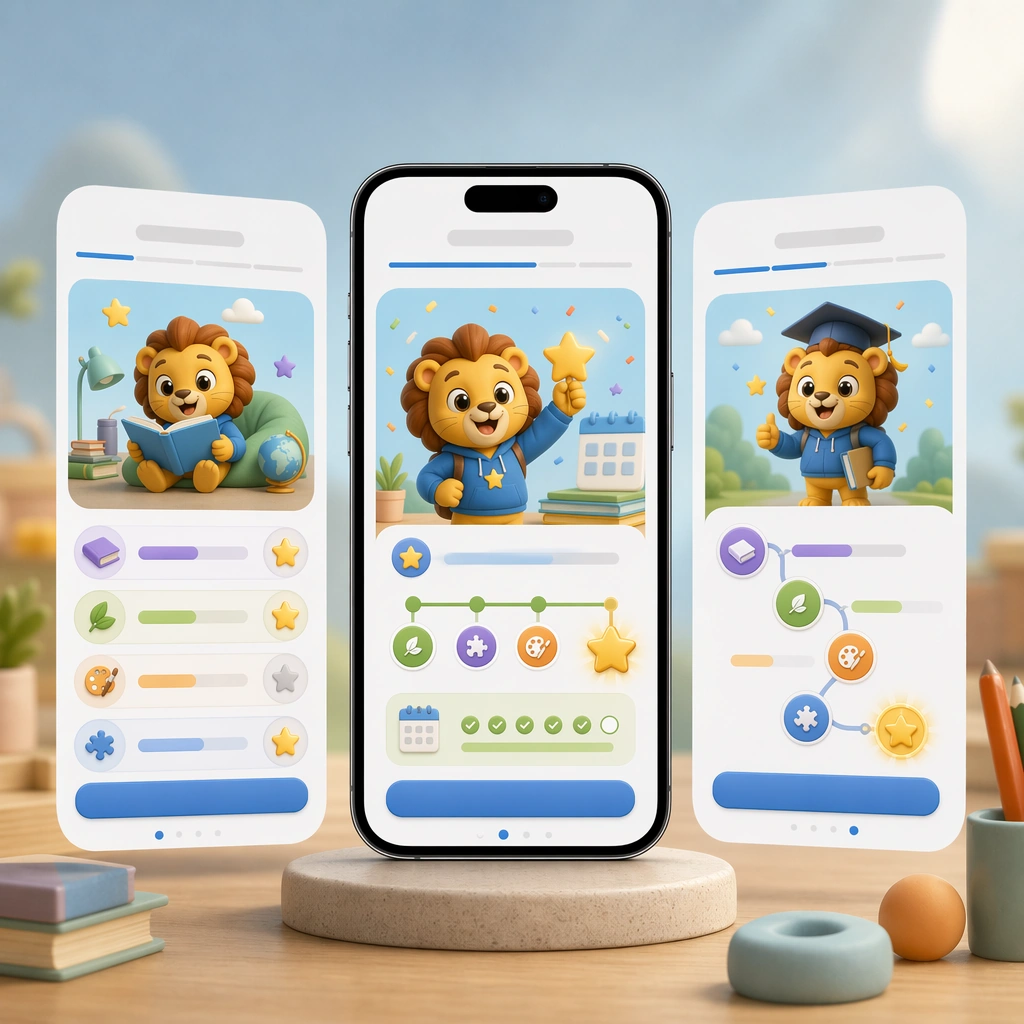 Streak Reward Screen
Scene: Return to the same square device-led composition and polished studio lighting from the reference screens, but shift the moment into a celebratory reward state. The image should still feel credi
by ChaosRealmsAI · GPT Image (OpenAI)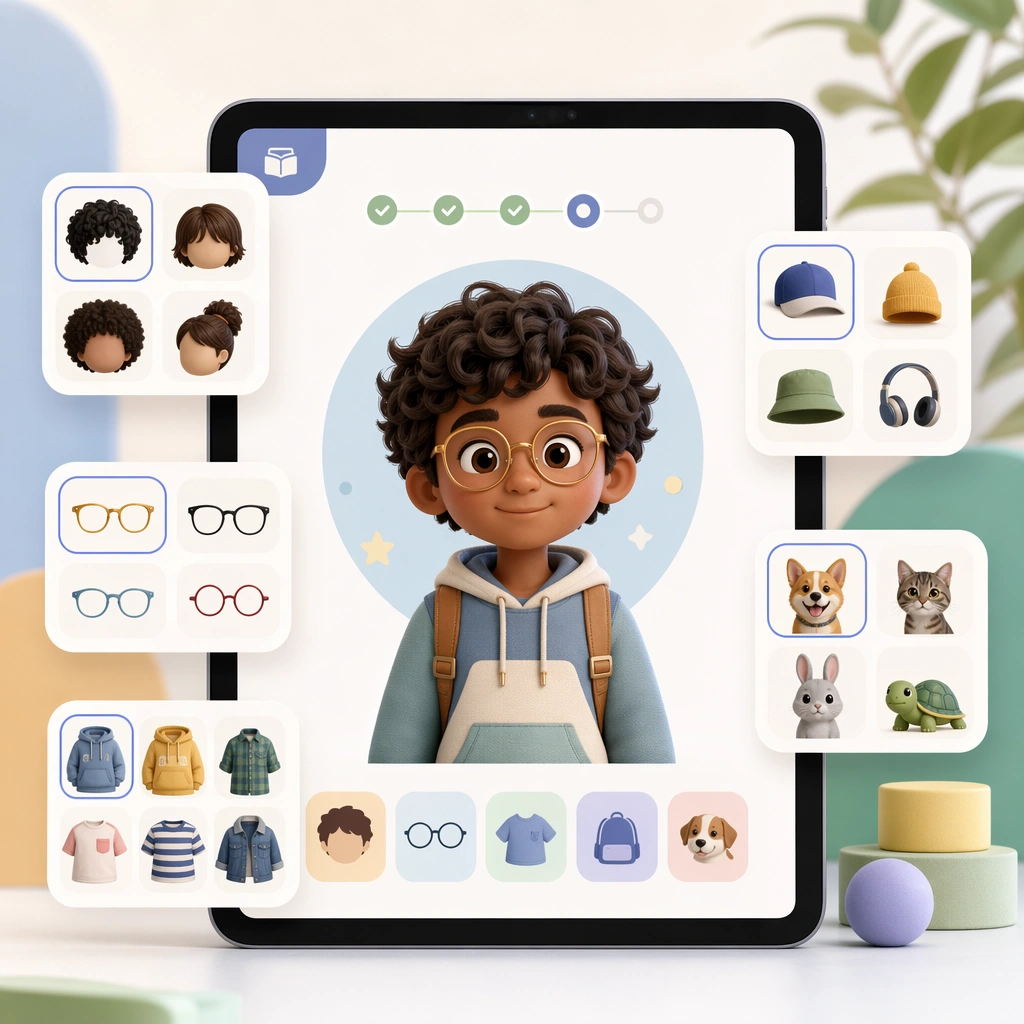 Avatar Customizer Panel
Scene: Render a square device-screen hero shot with a central character preview and side option cards floating on a soft studio background. The composition should look like a polished feature announce
by ChaosRealmsAI · GPT Image (OpenAI)