Photorealistic image prompts with author and original source. Open one, copy it, paste it into GPT Image, Nano Banana…
Personal brand portrait system prompts
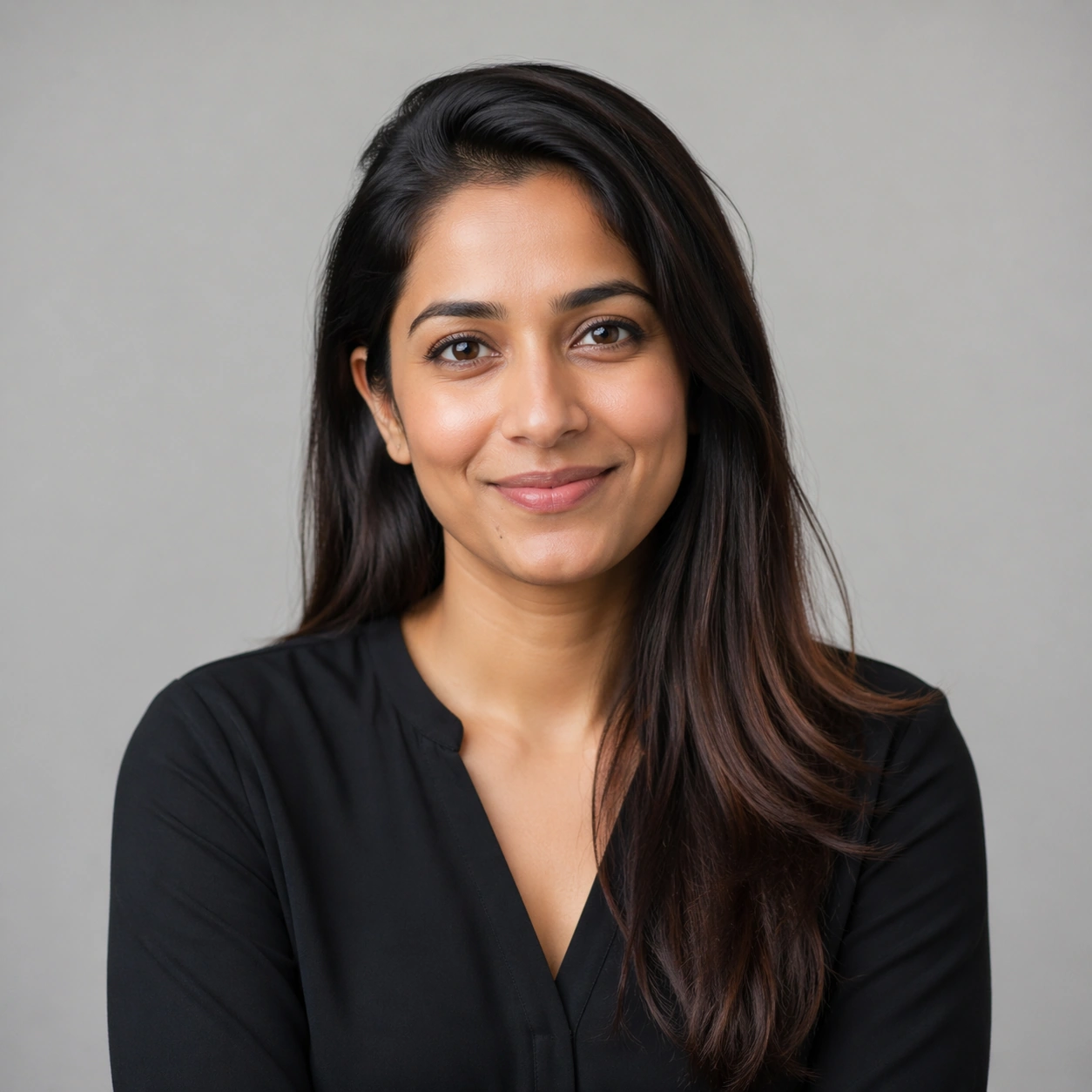 Reference Portrait Anchor
Scene: Create a square 1:1 portrait image for Personal Brand Portrait System. Use a clean studio anchor with balanced soft light, neutral gray or off-white backdrop, and premium agency-grade framing.
by ChaosRealmsAI · GPT Image (OpenAI)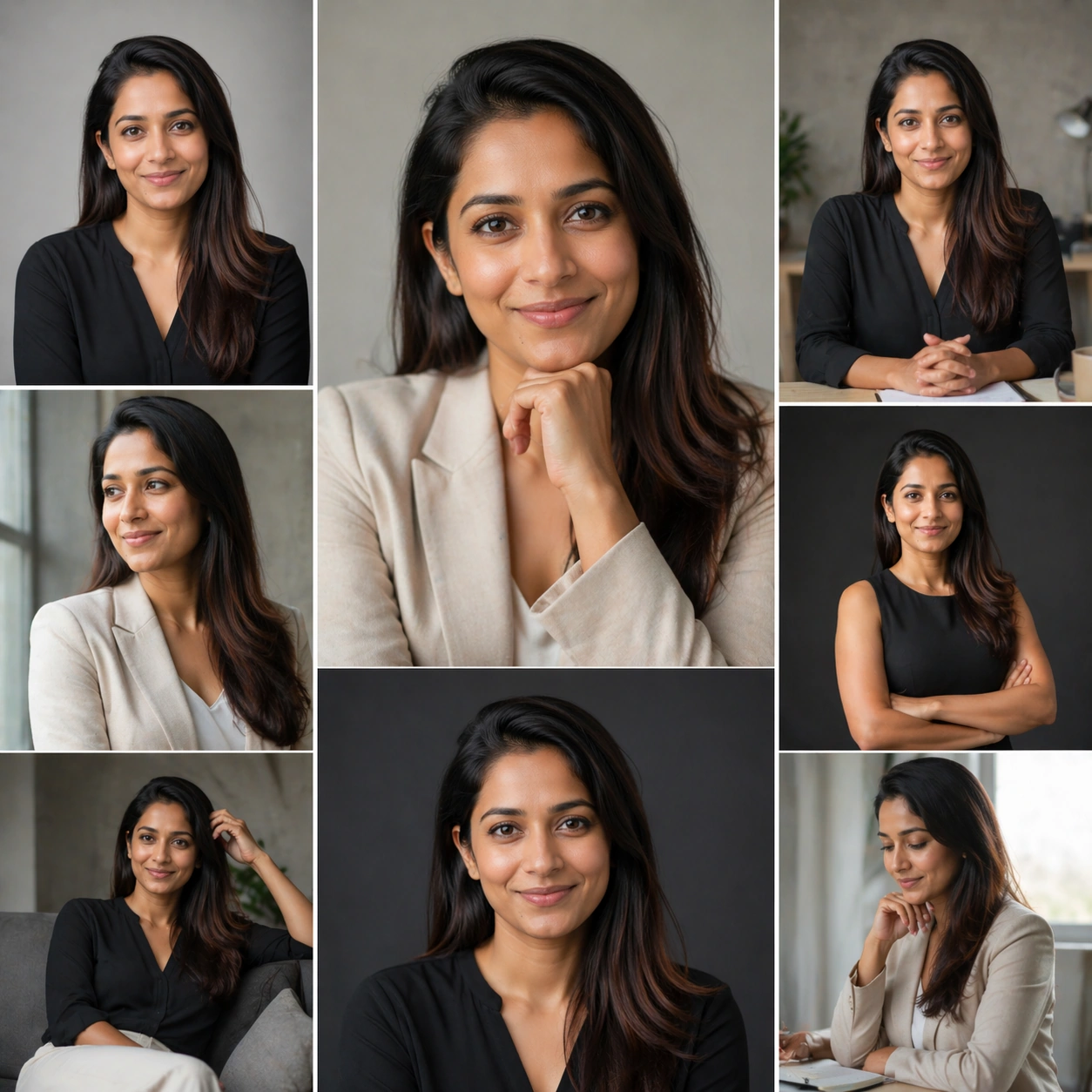 Approval Sheet Layout
Scene: Create a square 1:1 portrait image for Personal Brand Portrait System. Use a square layout that still reads as photography first, with restrained panel logic, tidy spacing, and agency-grade pre
by ChaosRealmsAI · GPT Image (OpenAI)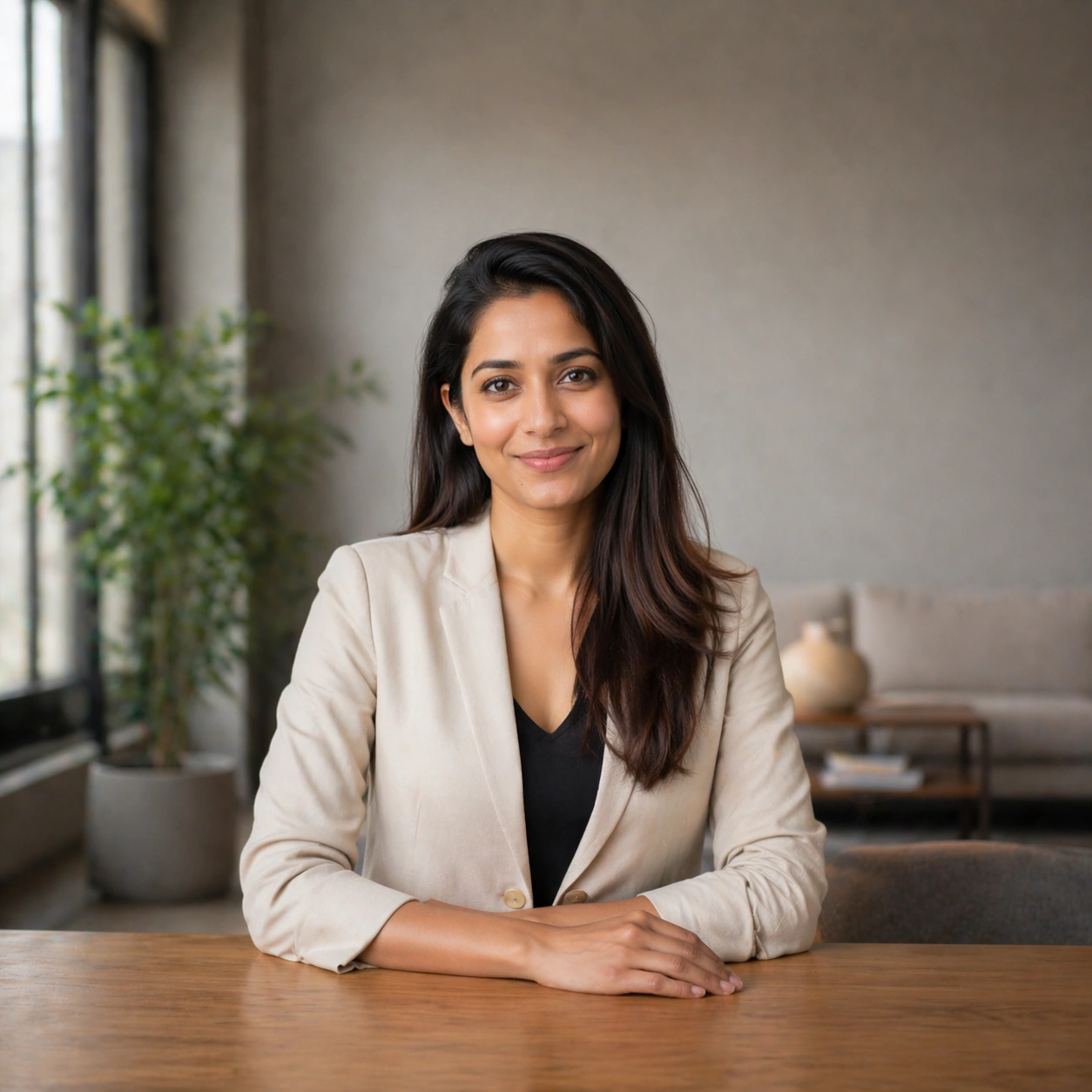 Banner Crop Portrait
Scene: Create a square 1:1 portrait image for Personal Brand Portrait System. Use a square frame that internally feels like a landscape-safe banner crop, with strong side negative space and a stable m
by ChaosRealmsAI · GPT Image (OpenAI)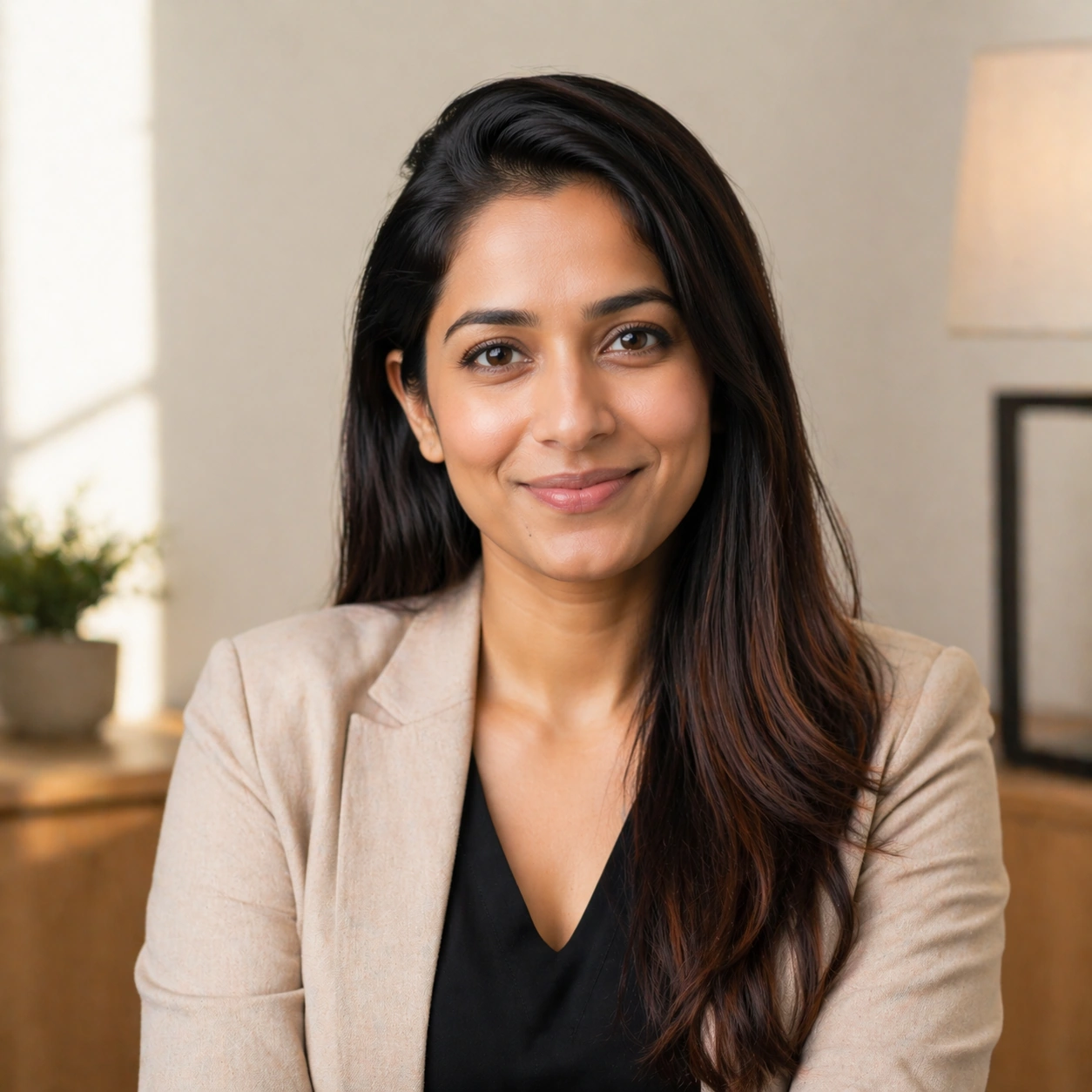 Approachable Smile
Scene: Create a square 1:1 portrait image for Personal Brand Portrait System. Use a welcoming light setup with soft highlights, gentle warmth, and subtle environmental mood that still feels premium. T
by ChaosRealmsAI · GPT Image (OpenAI)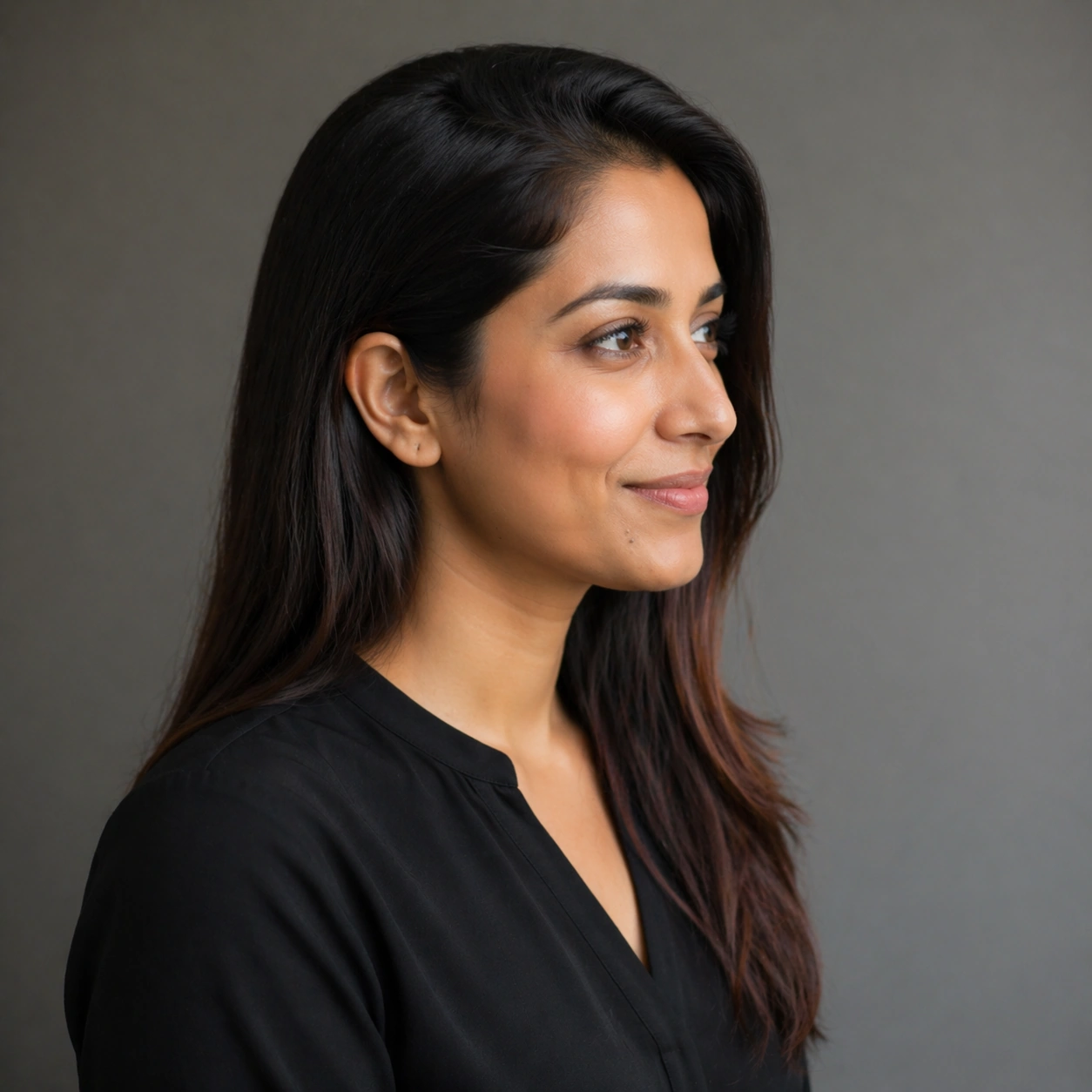 Profile Study
Scene: Create a square 1:1 portrait image for Personal Brand Portrait System. Use a disciplined side-light portrait with a smooth background, quiet contrast, and a calm editorial mood. The frame shoul
by ChaosRealmsAI · GPT Image (OpenAI)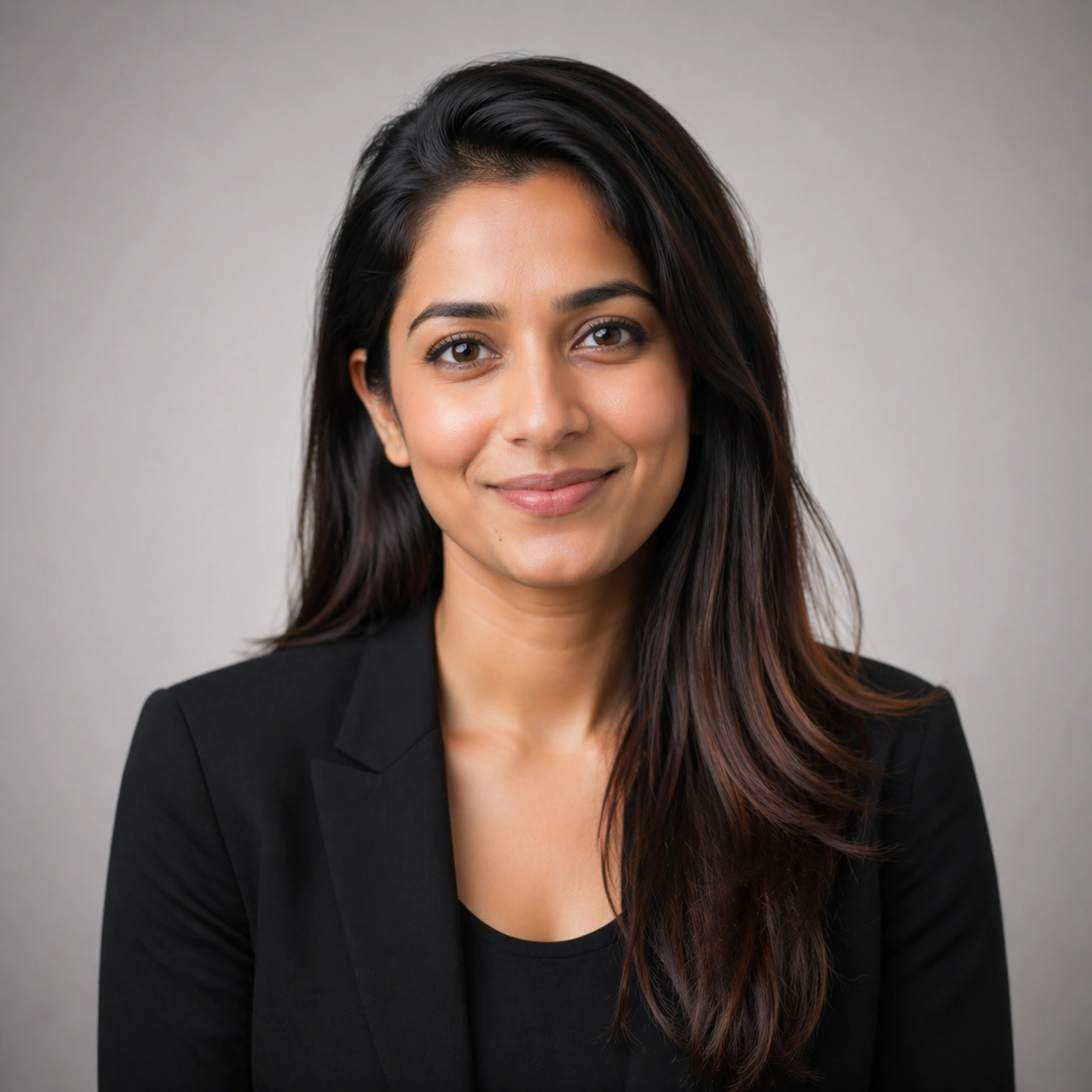 Clean Headshot
Scene: Create a square 1:1 portrait image for Personal Brand Portrait System. Use a bright but controlled studio setup with crisp catchlights, smooth tonal falloff, and enough margin for usage as prof
by ChaosRealmsAI · GPT Image (OpenAI)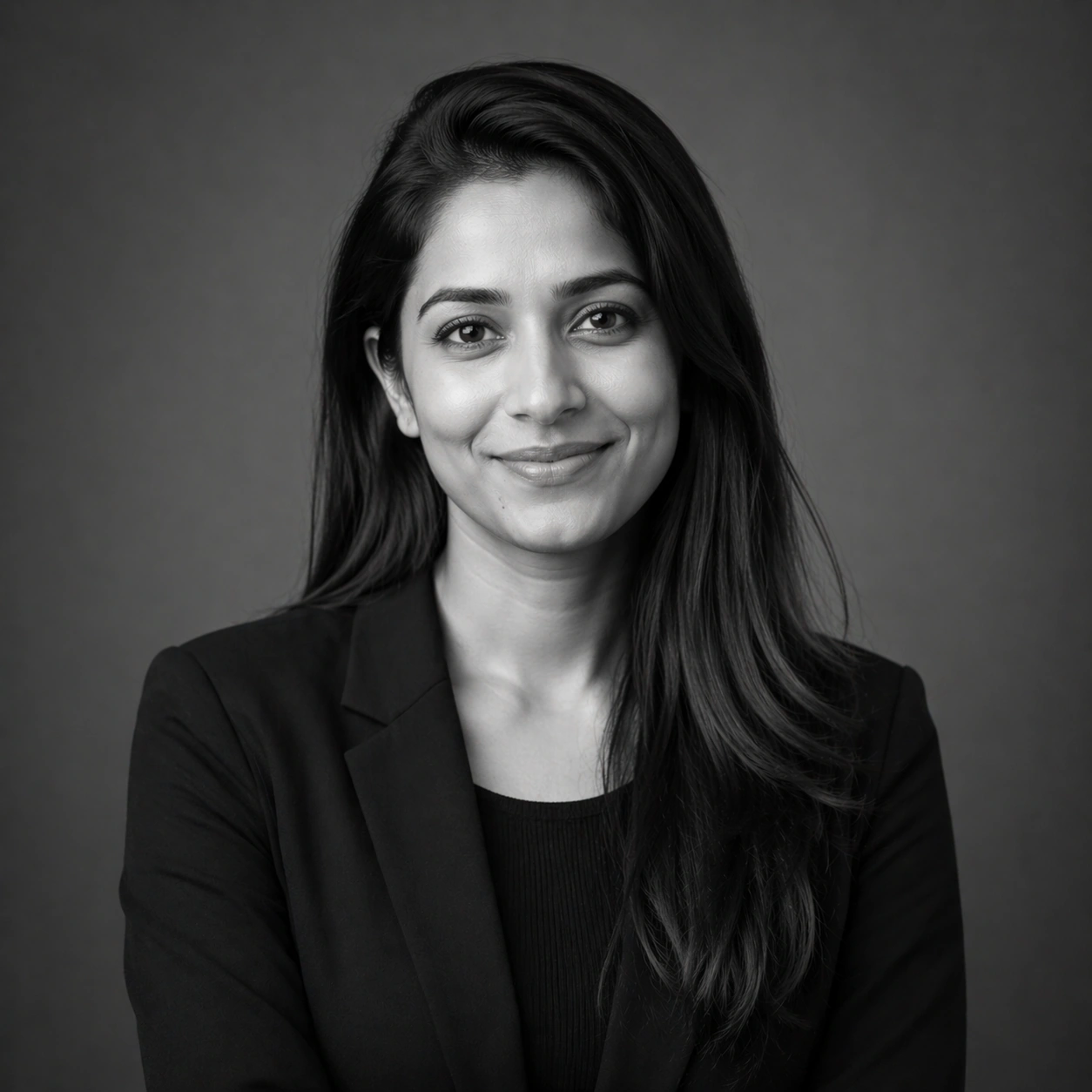 Monochrome Alt
Scene: Create a square 1:1 portrait image for Personal Brand Portrait System. Use a grayscale studio portrait with crisp tonal separation, refined skin rendering, and magazine-ready depth. The frame s
by ChaosRealmsAI · GPT Image (OpenAI)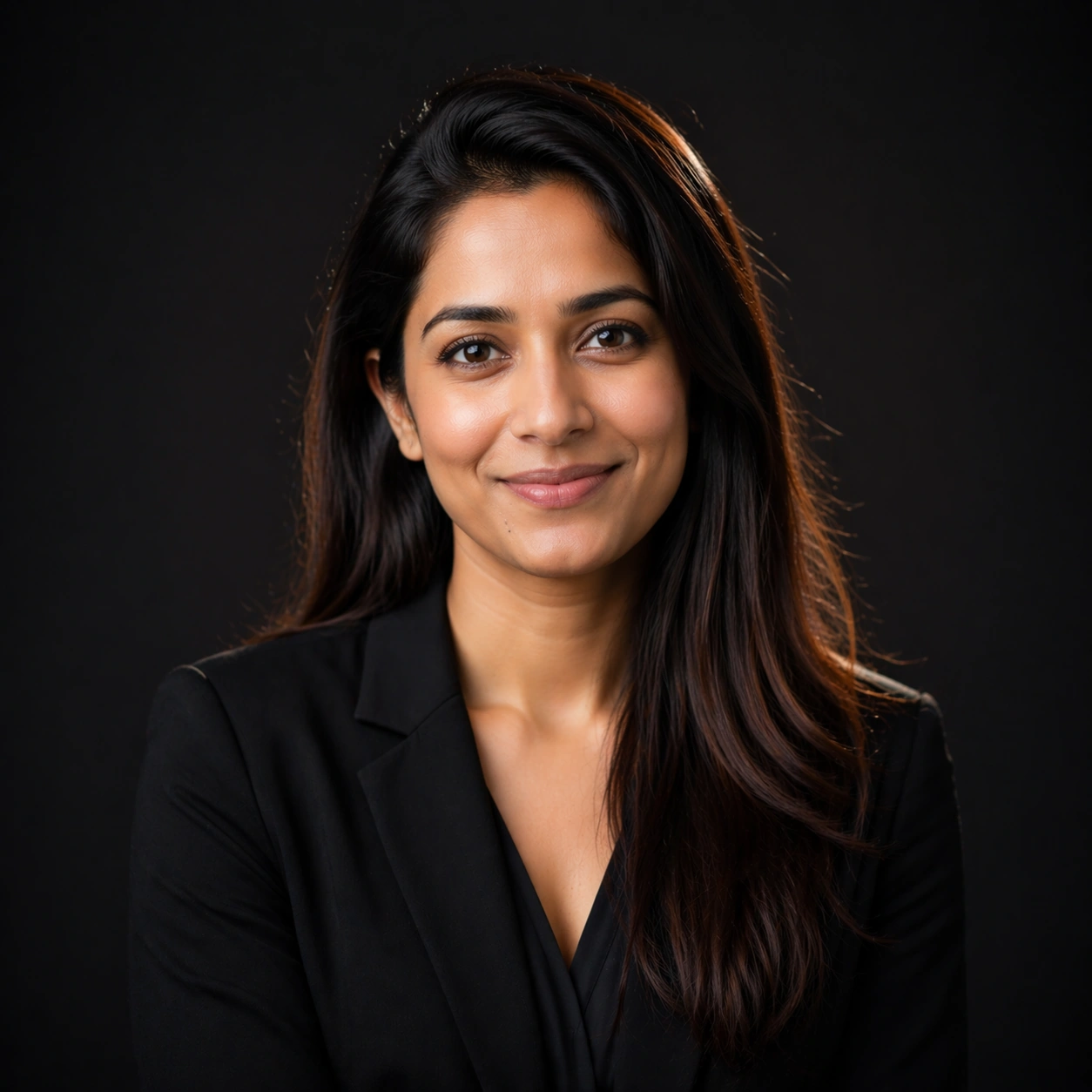 Dark Backdrop Editorial
Scene: Create a square 1:1 portrait image for Personal Brand Portrait System. Use a black or charcoal backdrop with controlled rim light, richer shadow depth, and a still-readable face. The frame shou
by ChaosRealmsAI · GPT Image (OpenAI)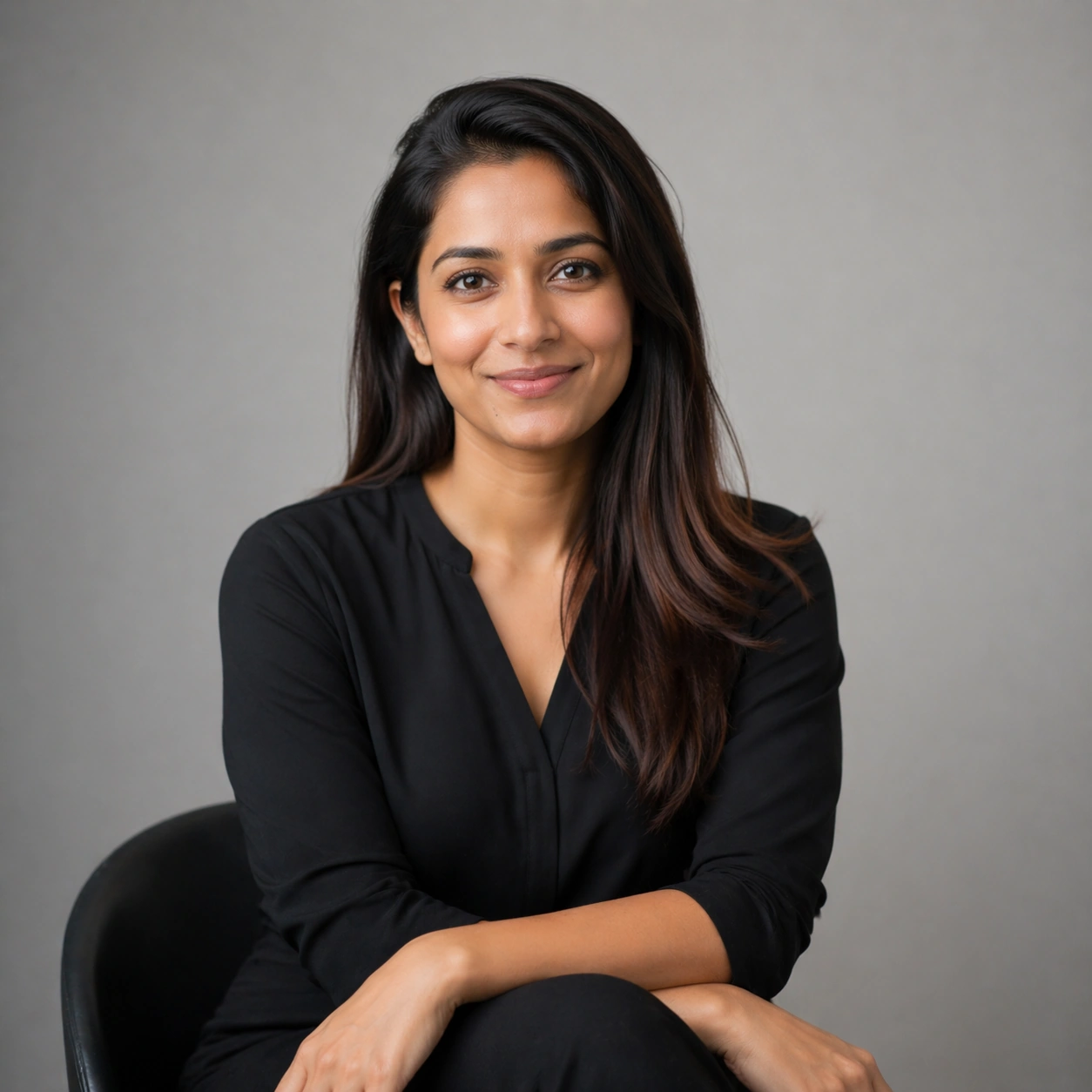 Three-Quarter Hero
Scene: Create a square 1:1 portrait image for Personal Brand Portrait System. Use a sculpted key light with subtle shadow modeling, clean negative space, and a slightly wider crop that still favors th
by ChaosRealmsAI · GPT Image (OpenAI)