Photorealistic image prompts with author and original source. Open one, copy it, paste it into GPT Image, Nano Banana…
Fictional symbol system prompts for GPT Image (OpenAI)
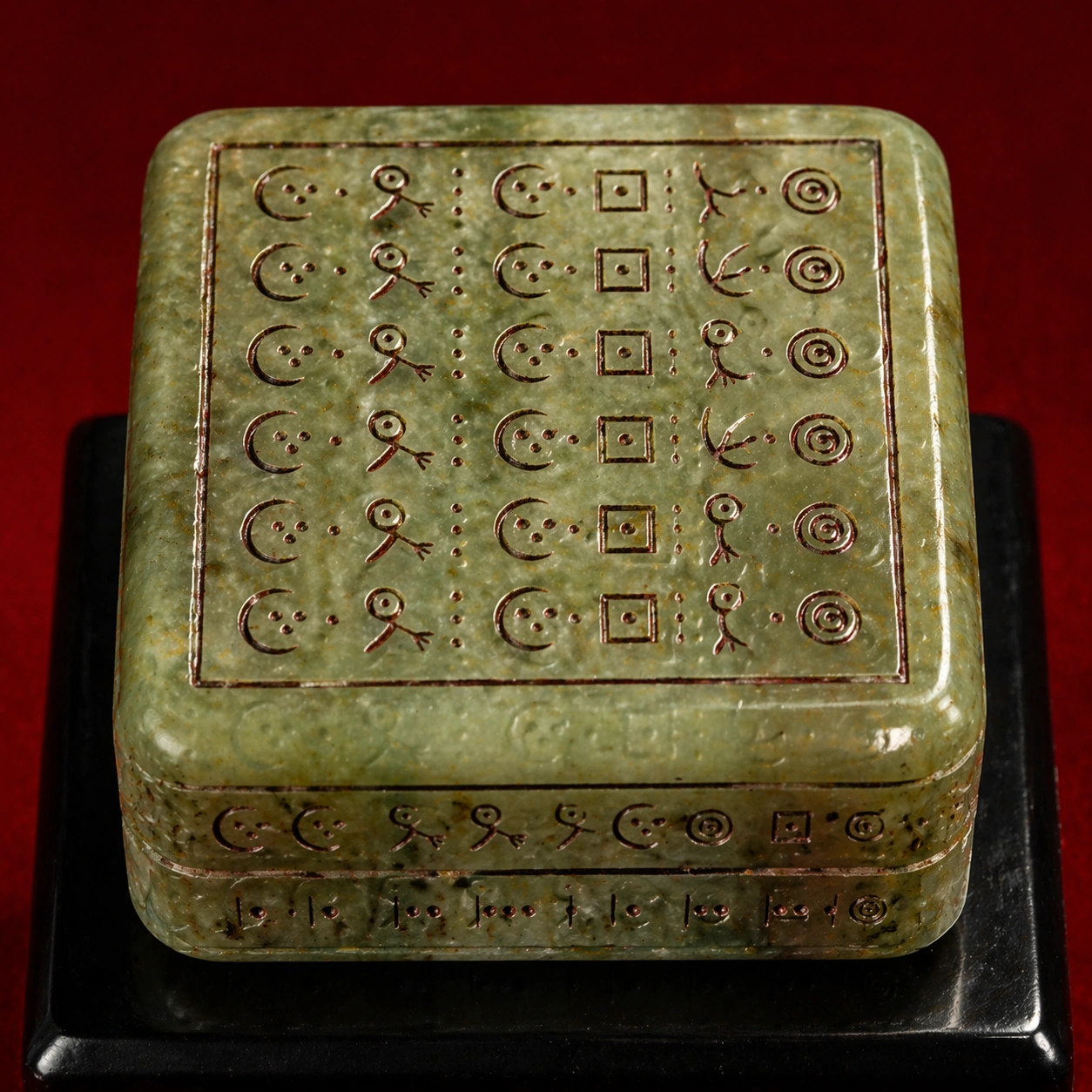 Jade Seal
Scene: Square macro product photograph on deep lacquer red, with a polished black plinth and controlled studio highlights. The image is intimate and tactile, showing translucent green jade, cloudy inc
by ChaosRealmsAI · GPT Image (OpenAI)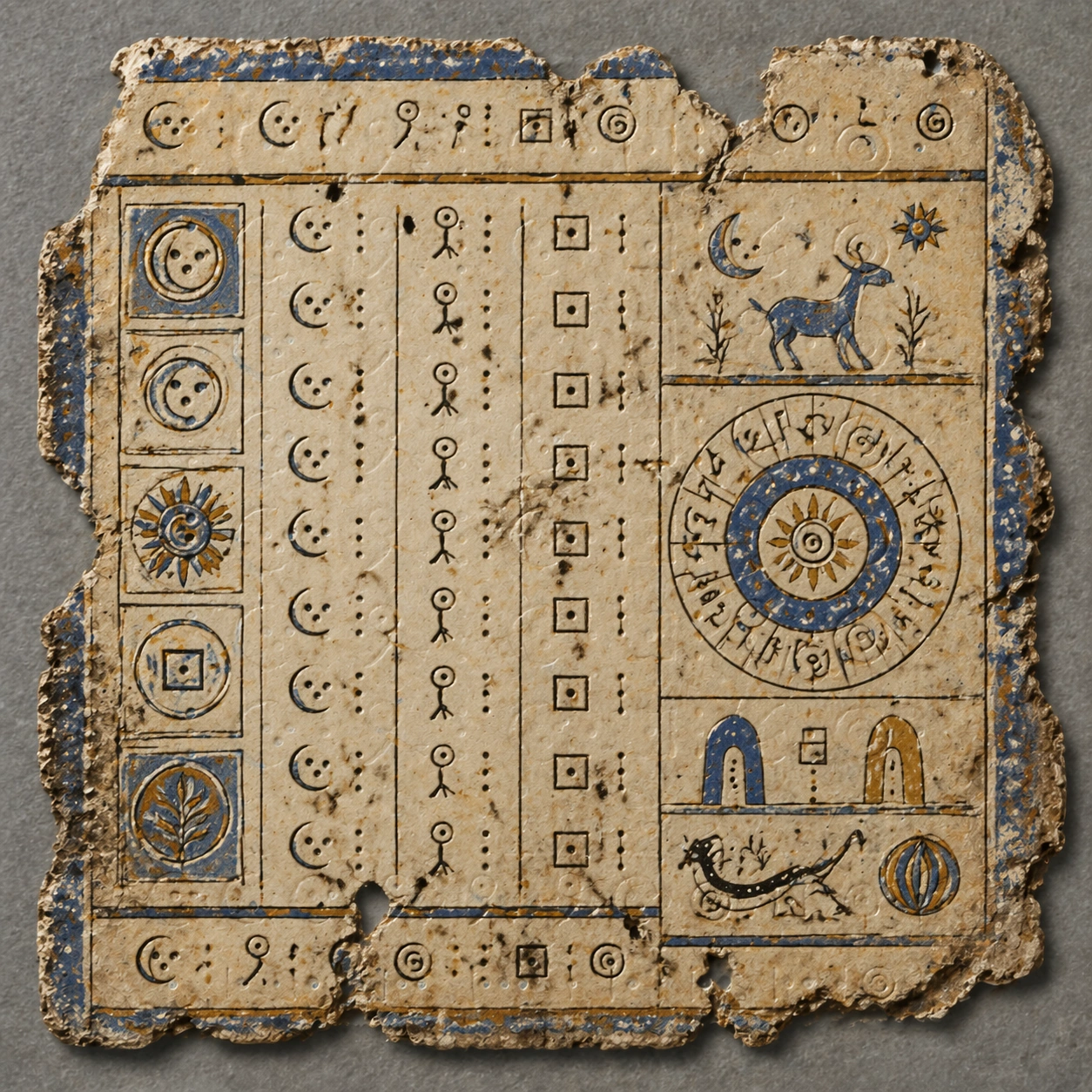 Codex Fragment
Scene: Square archival flat lay of a torn codex fragment, photographed on neutral gray conservation paper under diffuse daylight. The palette uses faded ultramarine, ocher, bone white, and carbon blac
by ChaosRealmsAI · GPT Image (OpenAI)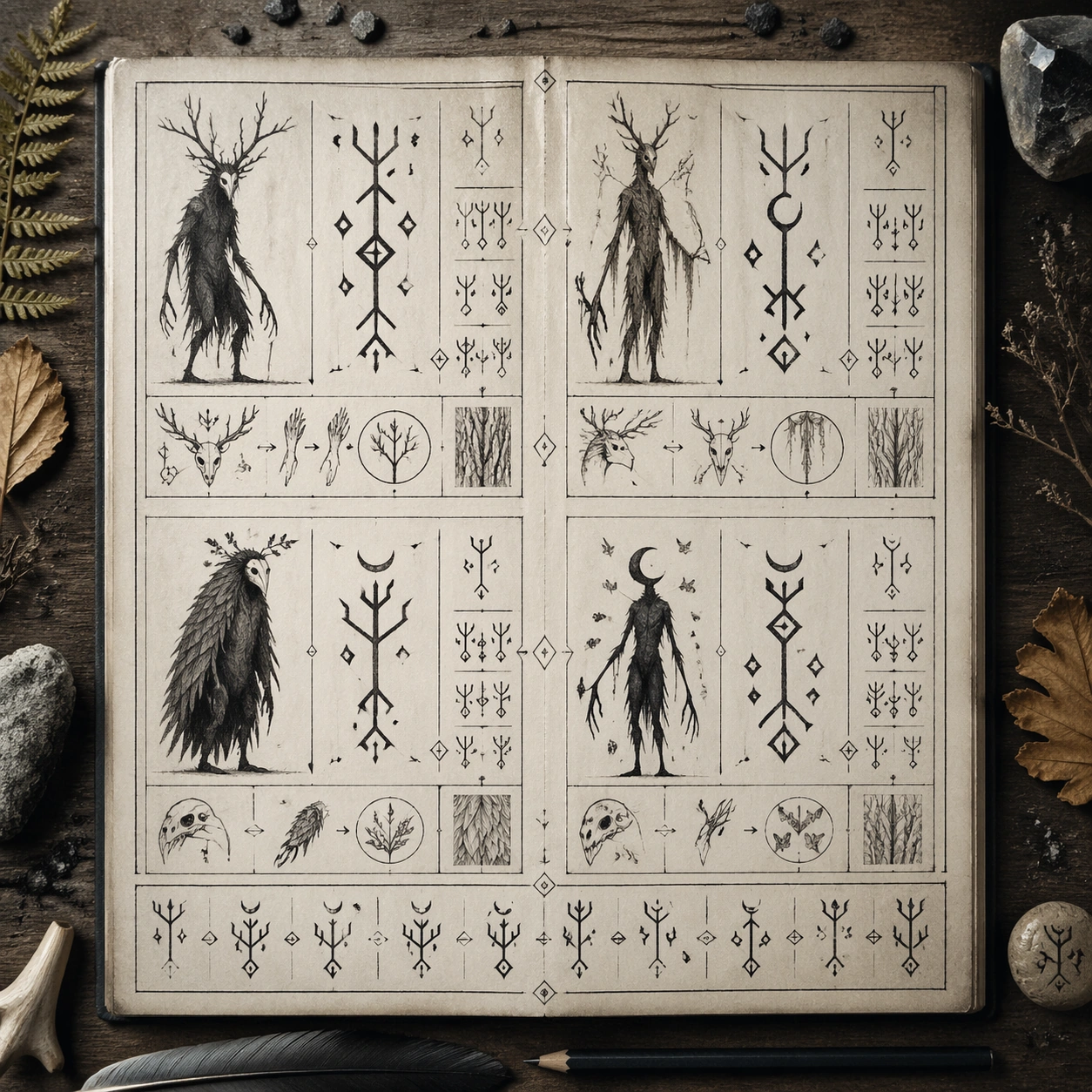 Rune Field Guide
Scene: Square editorial flat lay of a fantasy field-guide spread, viewed from above on a weathered wooden desk with pressed leaves, graphite dust, and small specimen stones. The lighting is cool morni
by ChaosRealmsAI · GPT Image (OpenAI)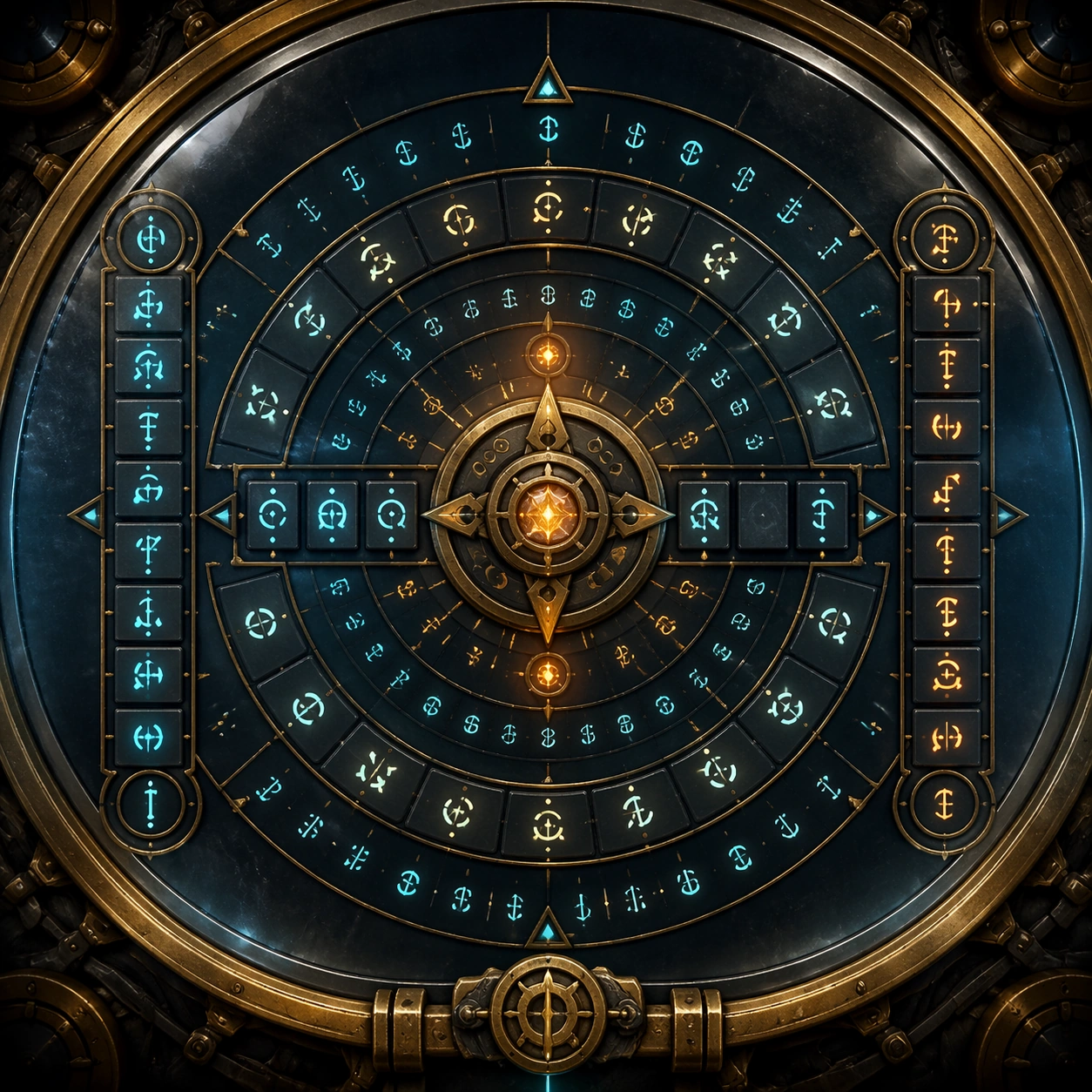 Game UI Cipher
Scene: Square cinematic close-up of a premium game interface artifact projected on smoked glass above a bronze mechanism. The palette is midnight blue, brass, pale cyan, and ember orange. The composit
by ChaosRealmsAI · GPT Image (OpenAI)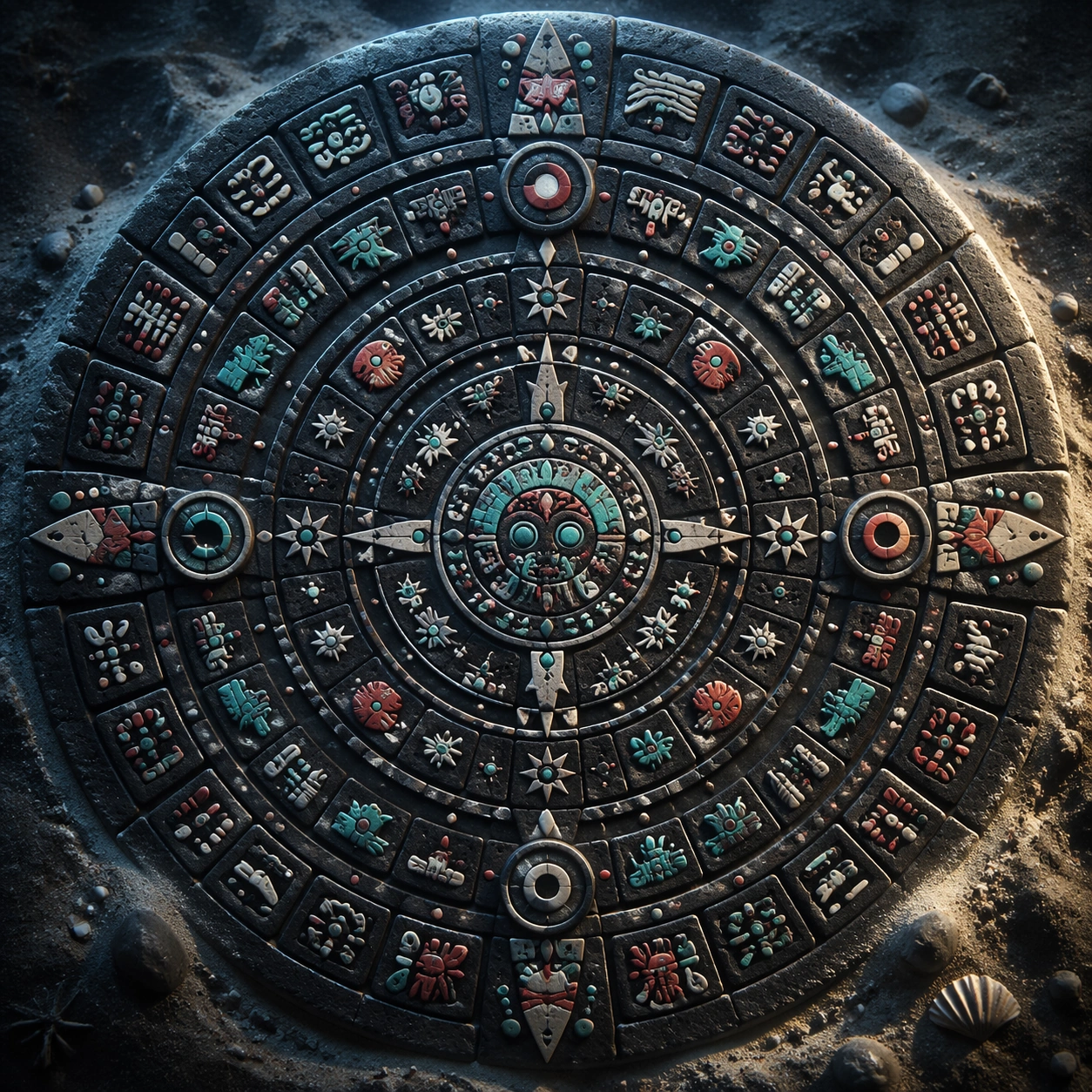 Mayan Star Disk
Scene: Square dramatic tabletop photograph of a circular stone disk resting in shallow sand, lit by cool moonlike light with a faint rim glow. The stone is dark basalt with turquoise, cinnabar, and sh
by ChaosRealmsAI · GPT Image (OpenAI)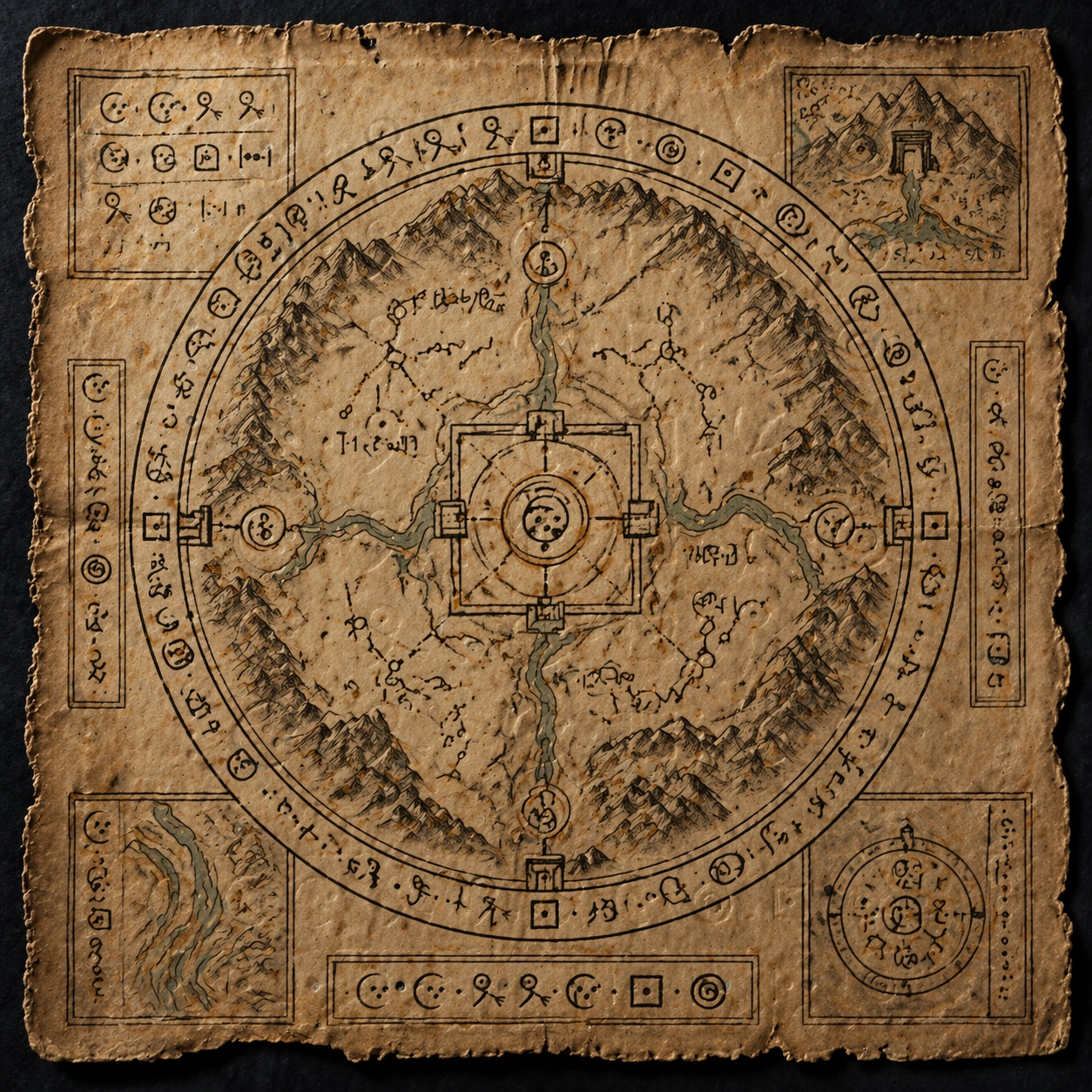 Ritual Map
Scene: Square overhead photograph of an aged ritual map on dark indigo cloth, with low amber light, worn parchment fibers, oxidized mineral pigments, and fine pin shadows from curled edges. The map fi
by ChaosRealmsAI · GPT Image (OpenAI)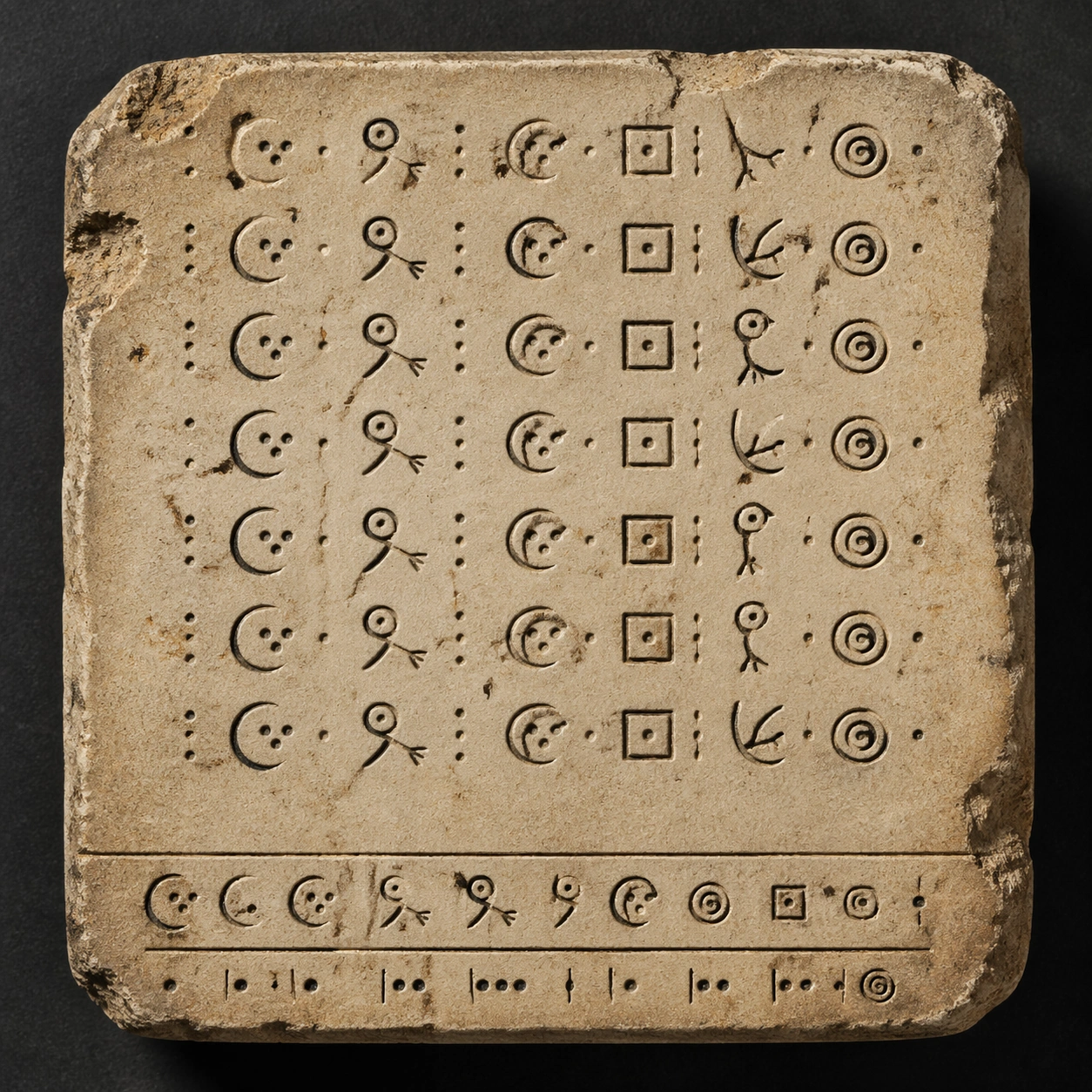 Core Tablet
Scene: Square museum conservation photograph, straight-on overhead view, soft raking light from the upper left, warm limestone and soot-black pigment against a quiet charcoal background. The frame is
by ChaosRealmsAI · GPT Image (OpenAI)