Photorealistic image prompts with author and original source. Open one, copy it, paste it into GPT Image, Nano Banana…
Relationship portrait series prompts for GPT Image (OpenAI)
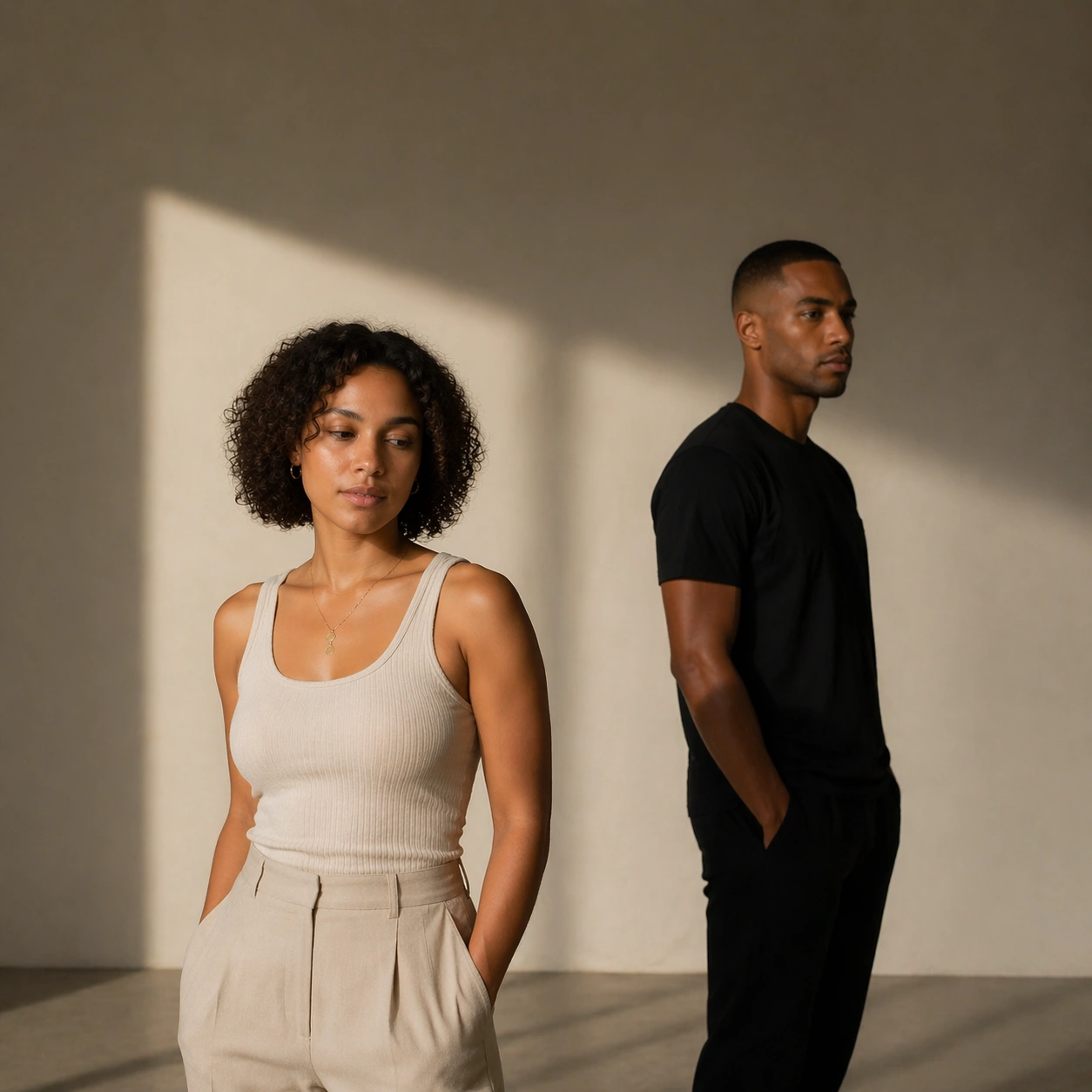 Tension Shot
Scene: Create a square 1:1 portrait image for Relationship Portrait Series. Use a cleaner portrait frame with more distance, directional light, and readable emotional friction in body language. The fr
by ChaosRealmsAI · GPT Image (OpenAI)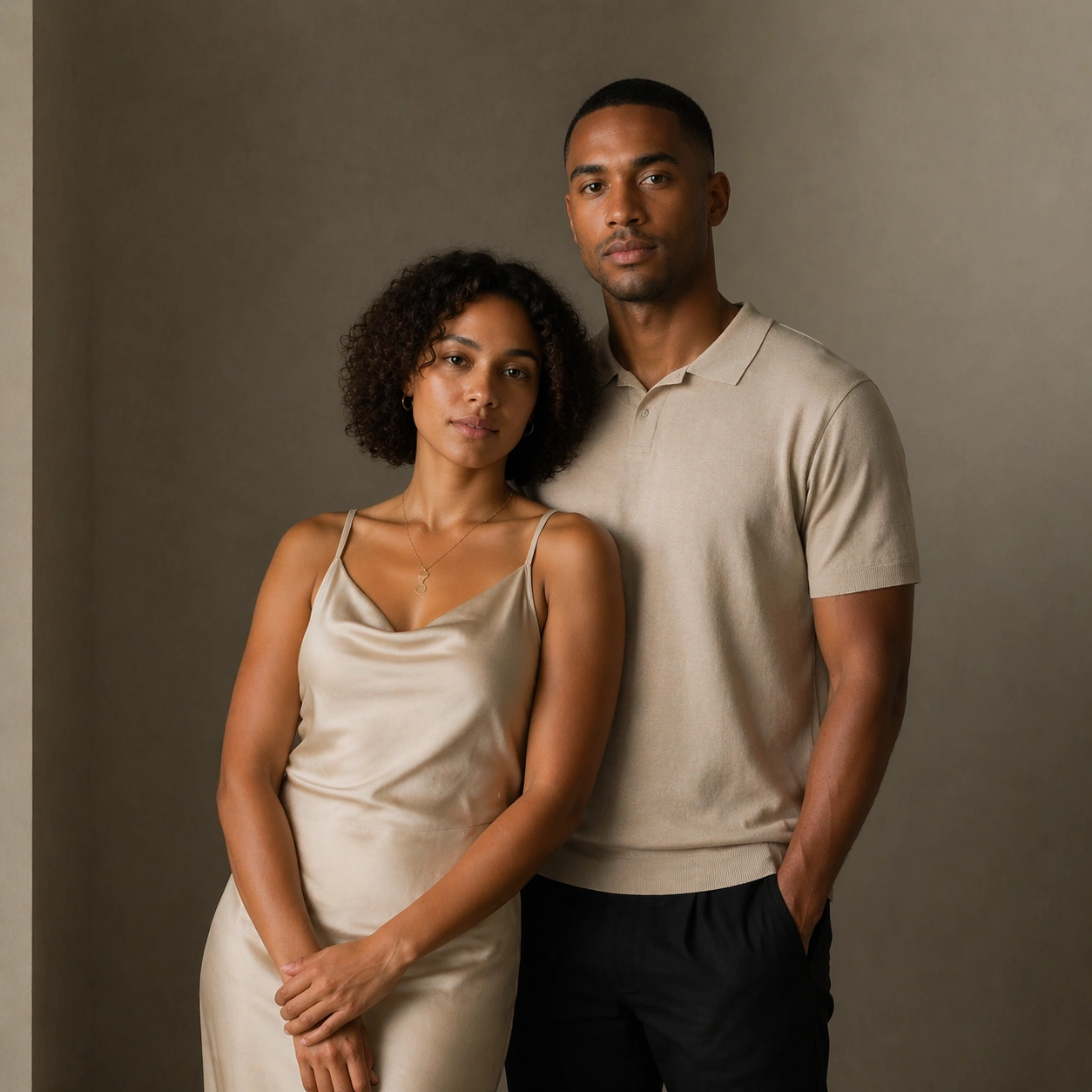 Quiet Silence Frame
Scene: Create a square 1:1 portrait image for Relationship Portrait Series. Use a restrained frame with modest distance, calm background, and emotionally loaded stillness. The frame should feel like a
by ChaosRealmsAI · GPT Image (OpenAI)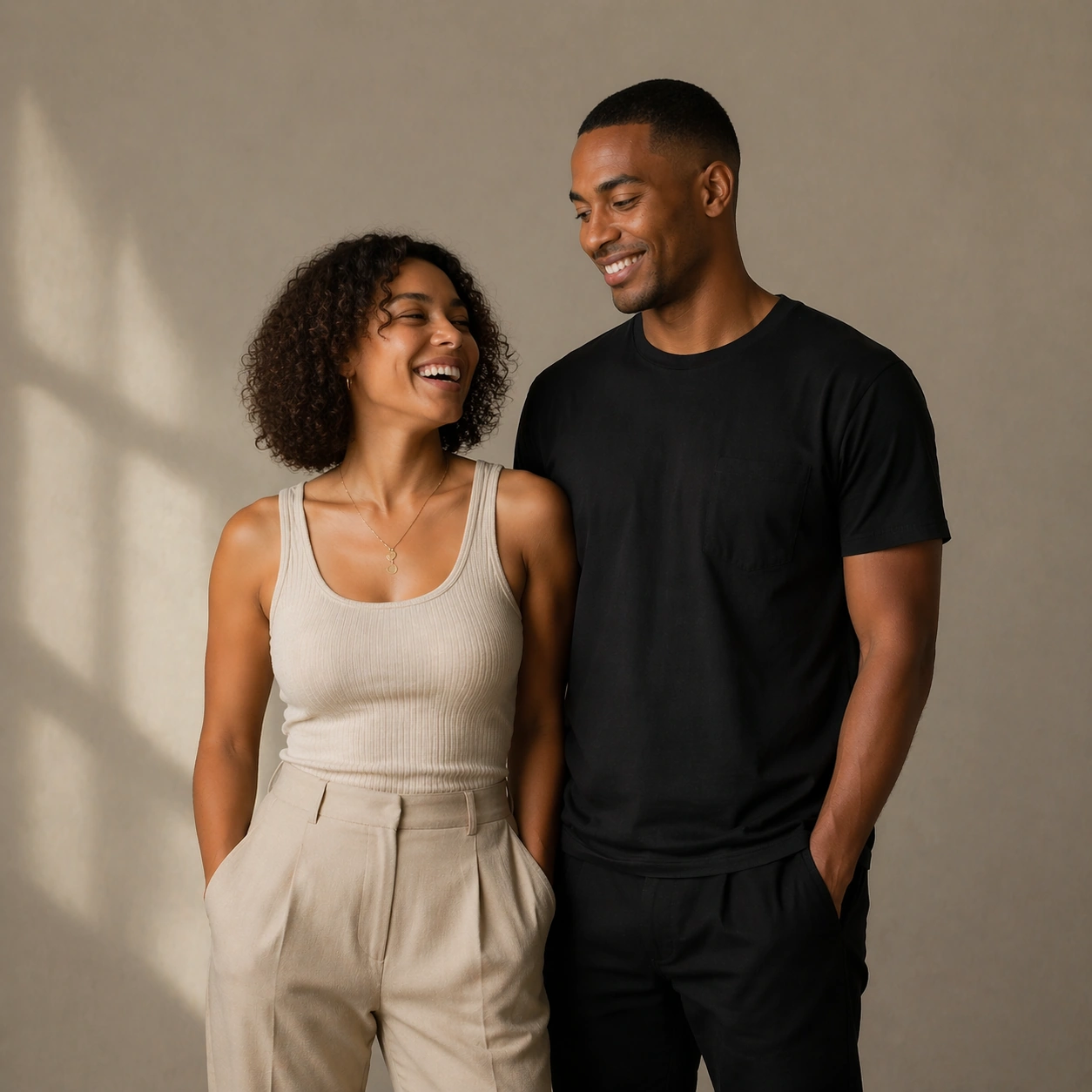 Shared Laugh Candid
Scene: Create a square 1:1 portrait image for Relationship Portrait Series. Use a natural-light or soft practical-light frame with believable candid energy and controlled composition. The frame should
by ChaosRealmsAI · GPT Image (OpenAI)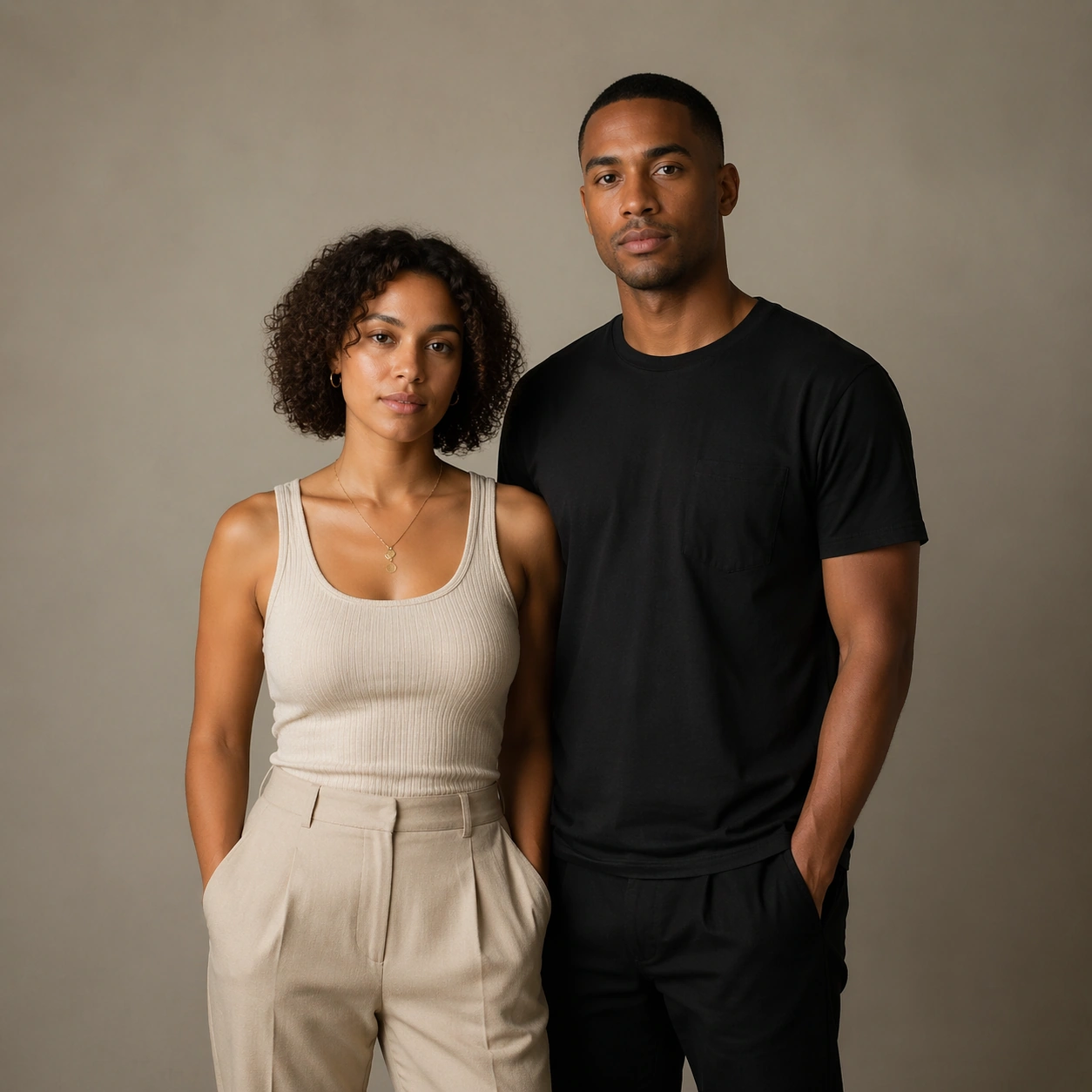 Reference Pair Anchor
Scene: Create a square 1:1 portrait image for Relationship Portrait Series. Use a clean portrait setup with enough room for two bodies, stable spacing, and honest emotional neutrality. The frame shoul
by ChaosRealmsAI · GPT Image (OpenAI)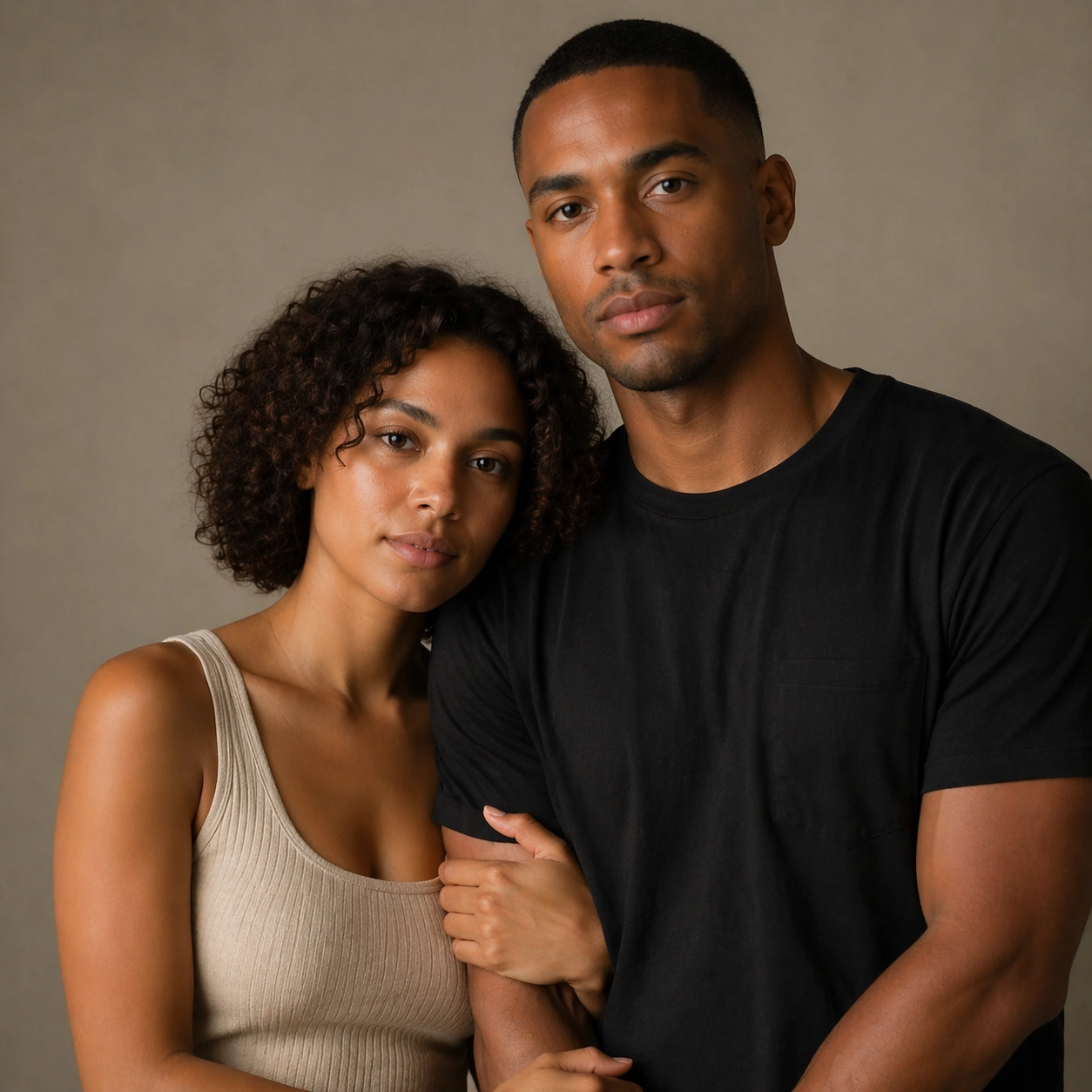 Hands And Detail
Scene: Create a square 1:1 portrait image for Relationship Portrait Series. Use a closer frame where hands, shoulder contact, jewelry-free gesture, and face share the composition. The frame should fee
by ChaosRealmsAI · GPT Image (OpenAI)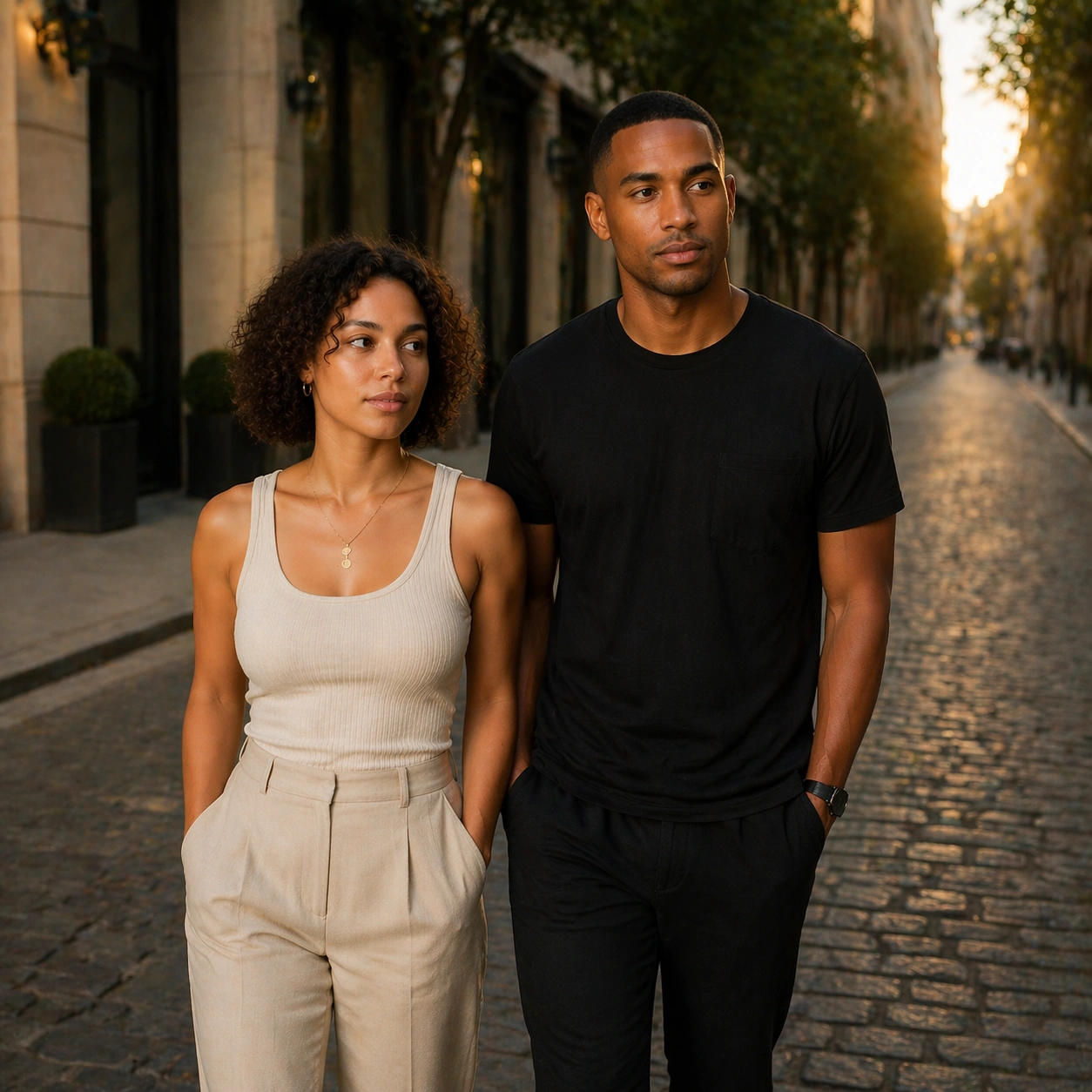 Walking Side By Side
Scene: Create a square 1:1 portrait image for Relationship Portrait Series. Use a square environmental portrait that captures walking or turning together without losing face clarity. The frame should
by ChaosRealmsAI · GPT Image (OpenAI)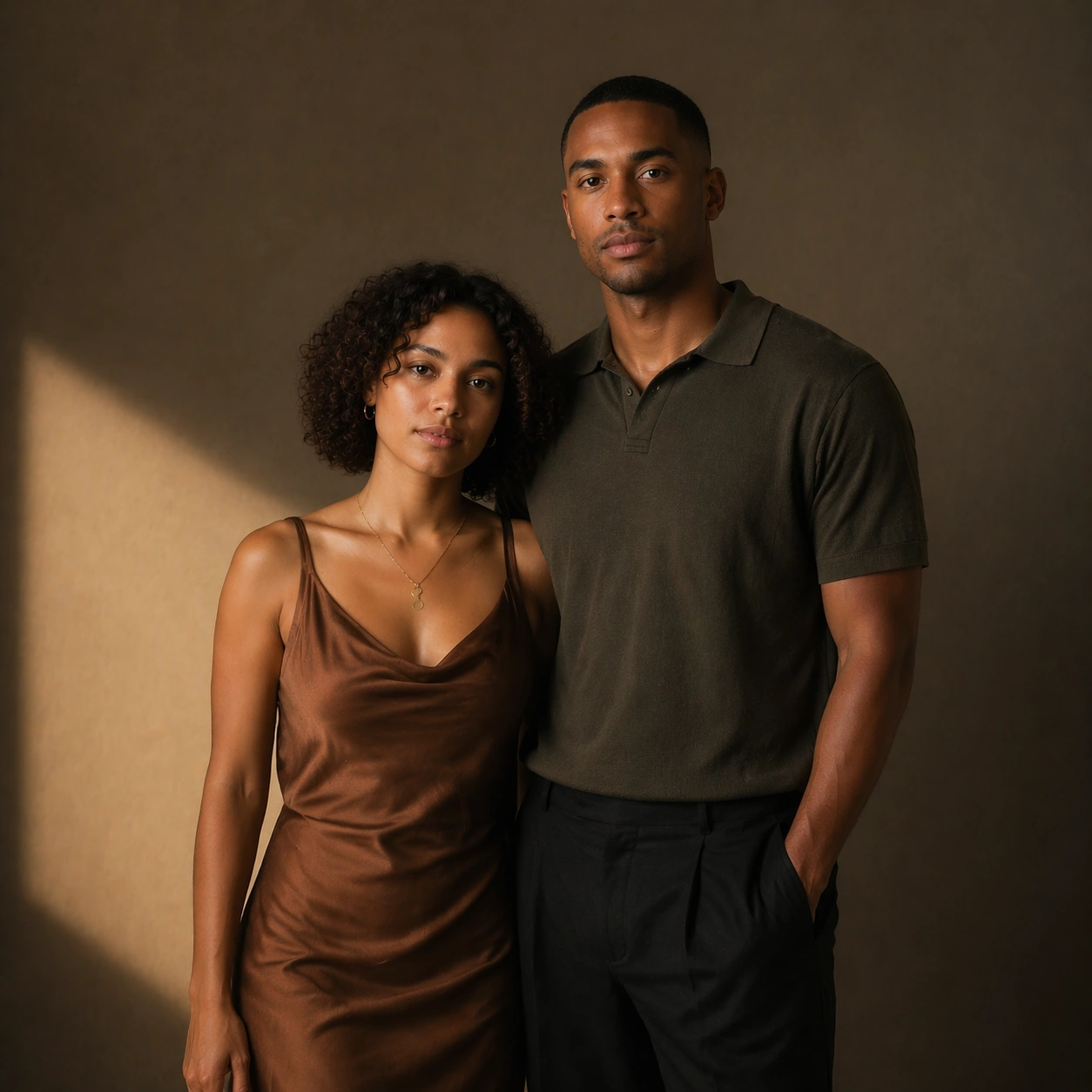 Poster Hero Pair
Scene: Create a square 1:1 portrait image for Relationship Portrait Series. Use a cleaner campaign or poster composition with negative space and unmistakable pair hierarchy. The frame should feel like
by ChaosRealmsAI · GPT Image (OpenAI)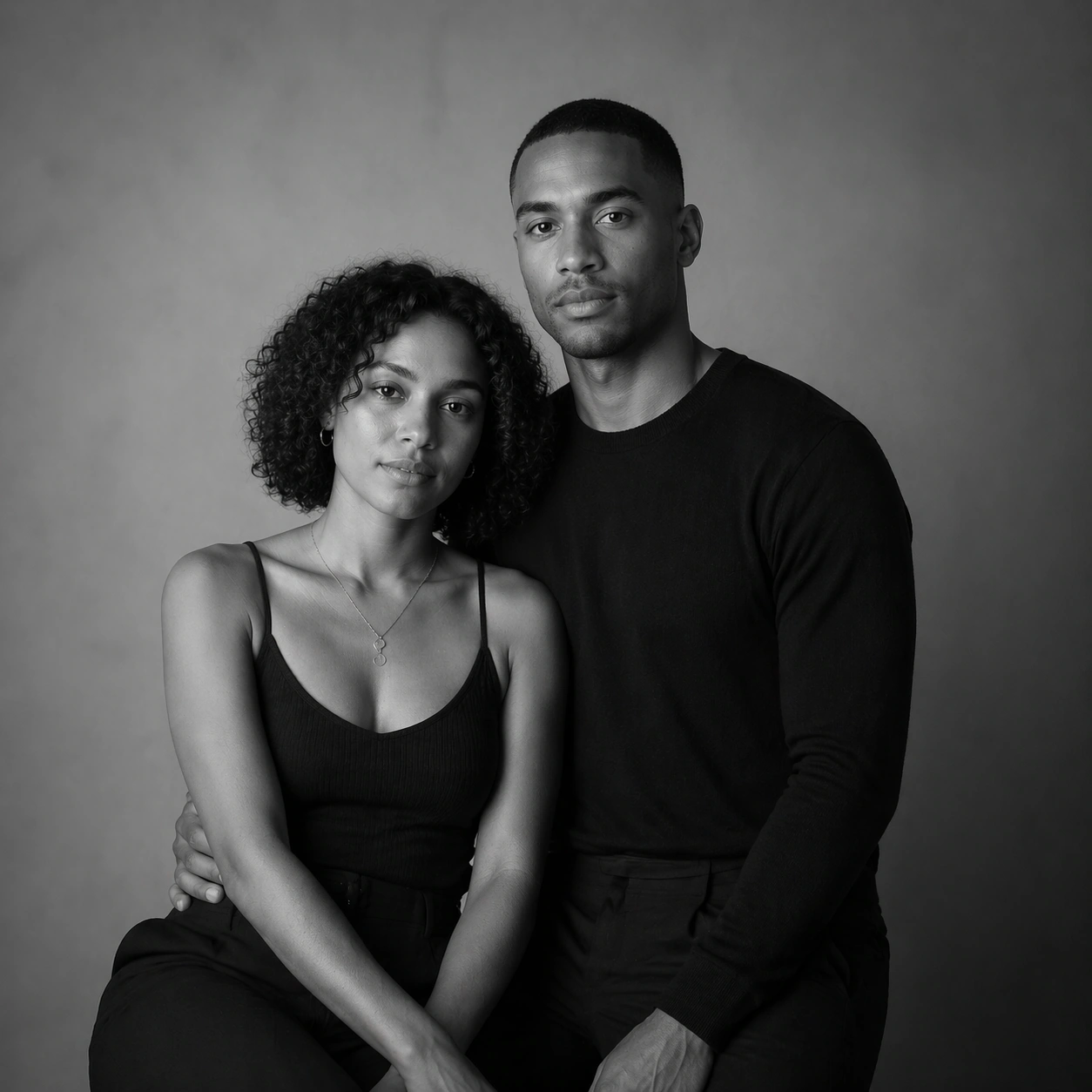 Monochrome Afterglow
Scene: Create a square 1:1 portrait image for Relationship Portrait Series. Use a grayscale intimate frame with refined tonal separation and quietly resolved emotional mood. The frame should feel like
by ChaosRealmsAI · GPT Image (OpenAI)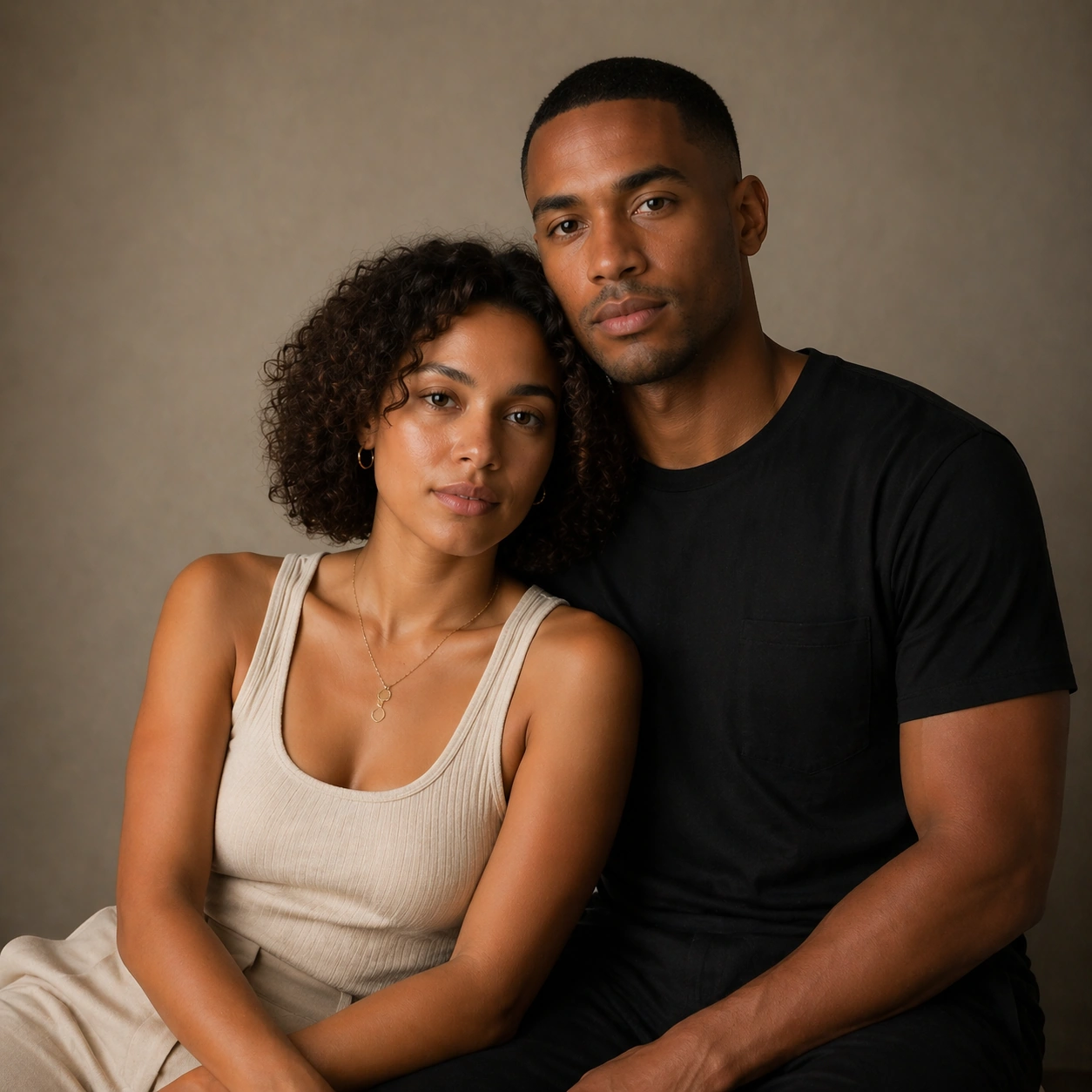 Closeness Shot
Scene: Create a square 1:1 portrait image for Relationship Portrait Series. Use a warm intimate frame with subtle touch, soft light, and premium but believable portrait craft. The frame should feel li
by ChaosRealmsAI · GPT Image (OpenAI)