Photorealistic image prompts with author and original source. Open one, copy it, paste it into GPT Image, Nano Banana…
Prompt Awkward social realism comedy set
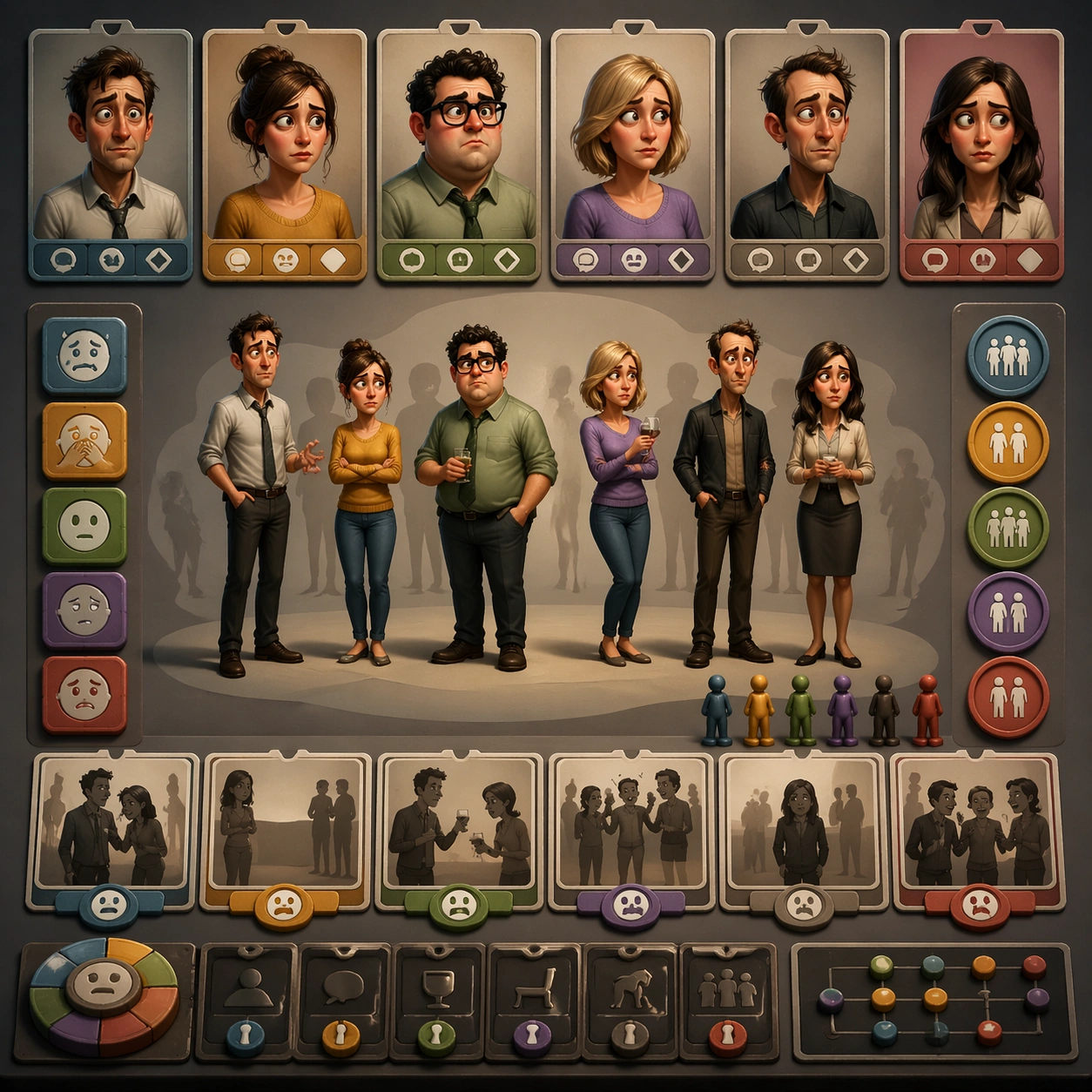 Reference Anchor
Scene: Create a square reference image for Awkward Social Realism Comedy Set. Build a reference anchor establishing the core system with a premium, production-ready finish. Use a polished modular boar
của ChaosRealmsAI · GPT Image (OpenAI)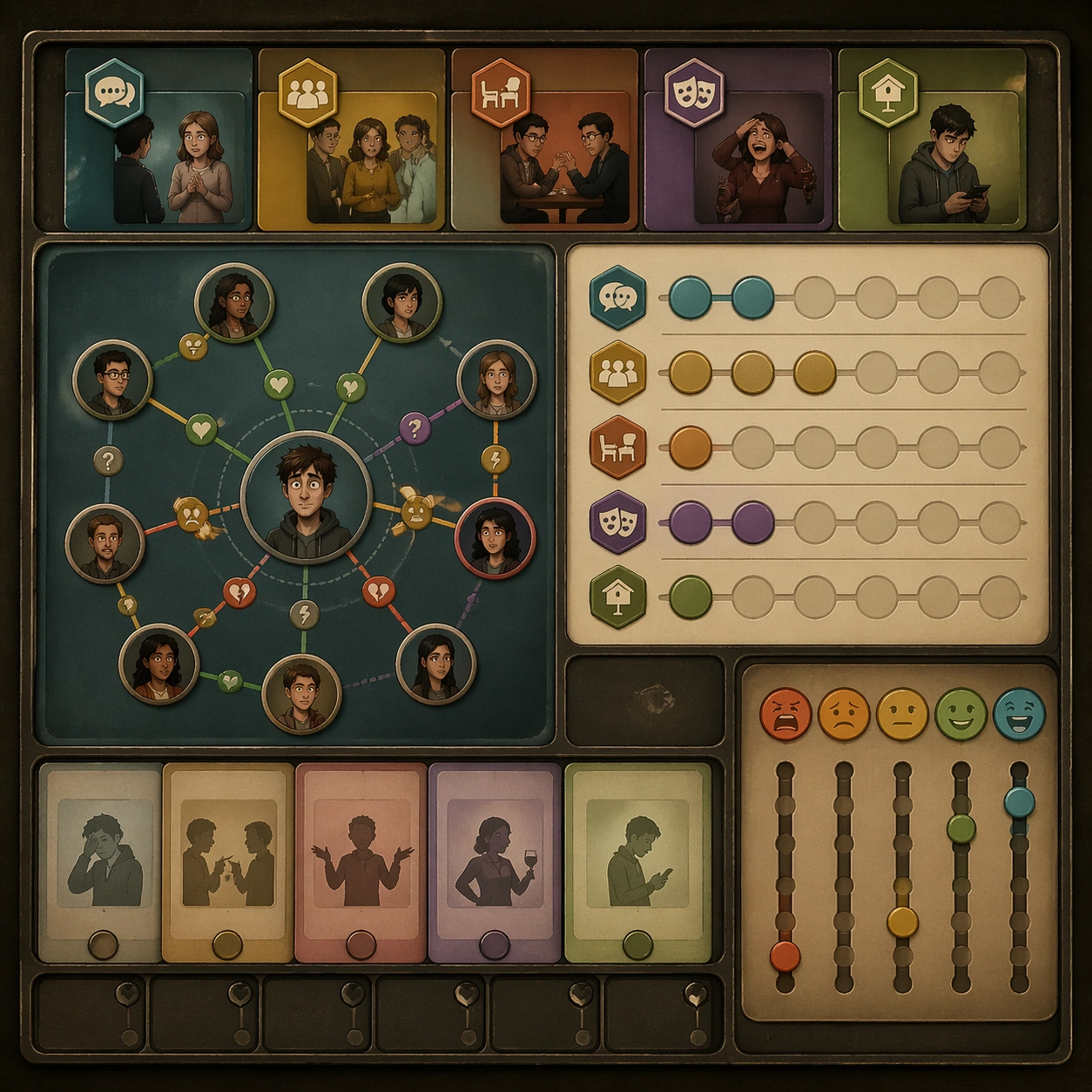 Support Five
Scene: Create a square standalone support image for Awkward Social Realism Comedy Set. Build a fifth support-surface study with a clear focal hierarchy and a finished professional surface. Use a polis
của ChaosRealmsAI · GPT Image (OpenAI)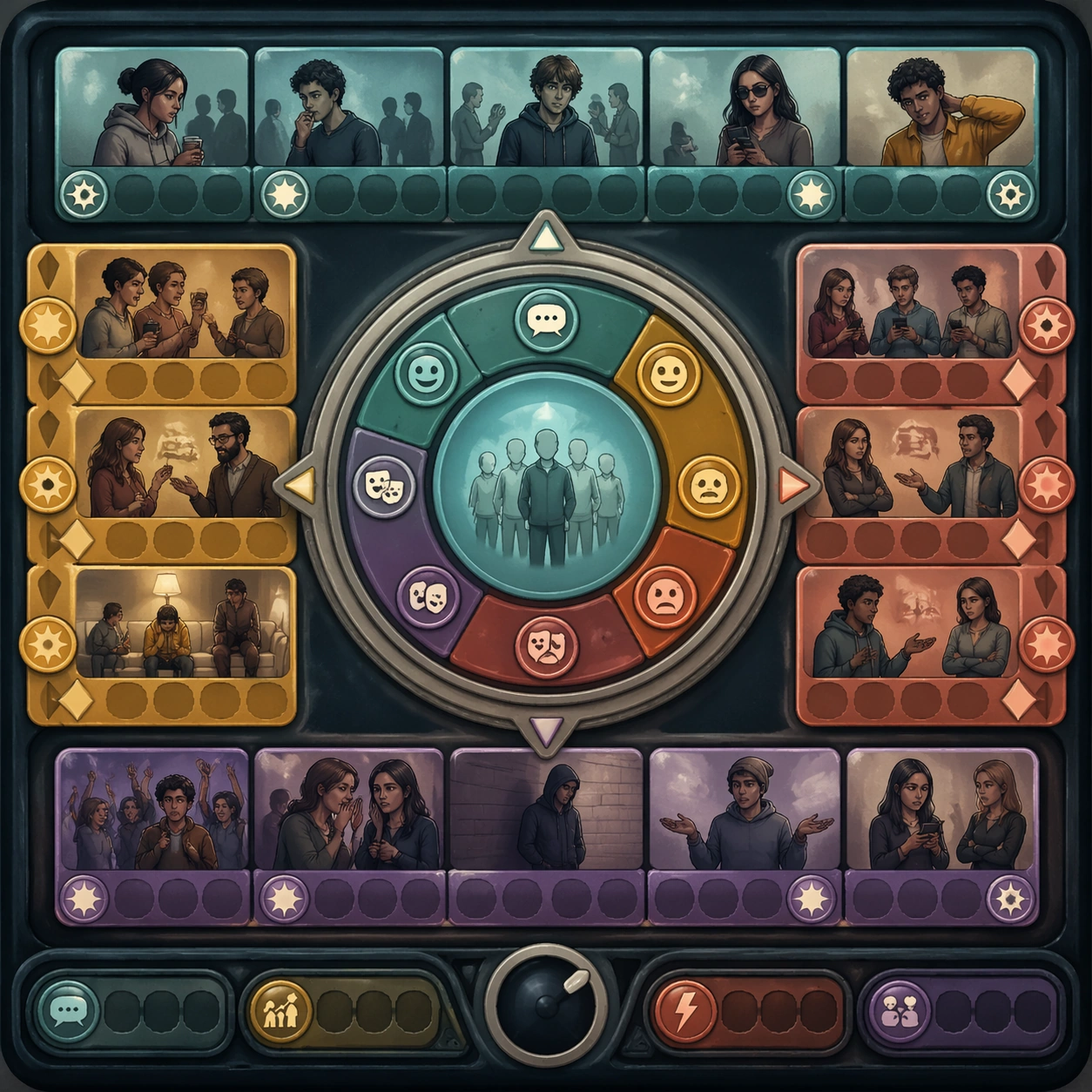 Support Three
Scene: Create a square standalone support image for Awkward Social Realism Comedy Set. Build a third support-surface study with a clear focal hierarchy and a finished professional surface. Use a polis
của ChaosRealmsAI · GPT Image (OpenAI)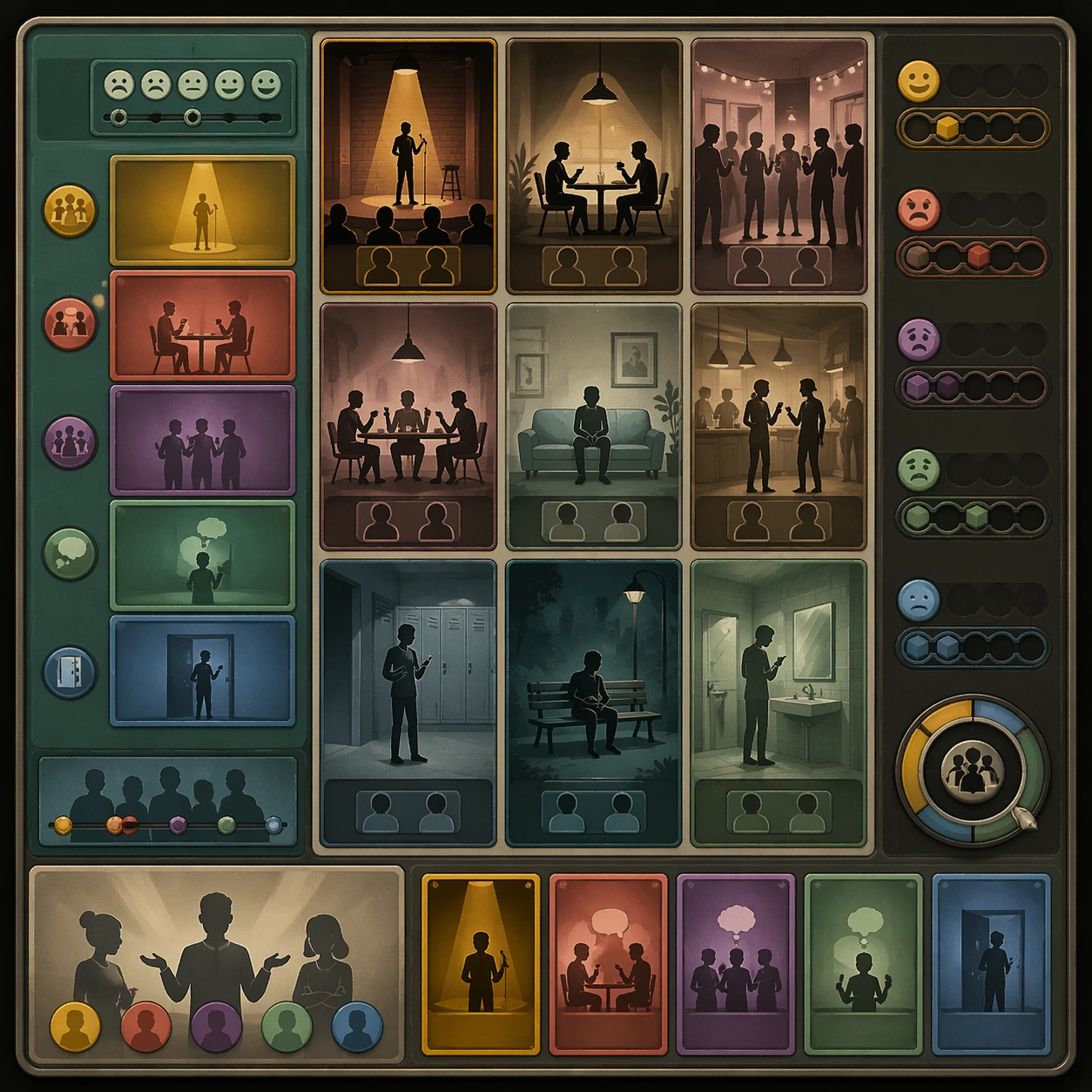 Support Two
Scene: Create a square standalone support image for Awkward Social Realism Comedy Set. Build a second support-surface study with a clear focal hierarchy and a finished professional surface. Use a poli
của ChaosRealmsAI · GPT Image (OpenAI)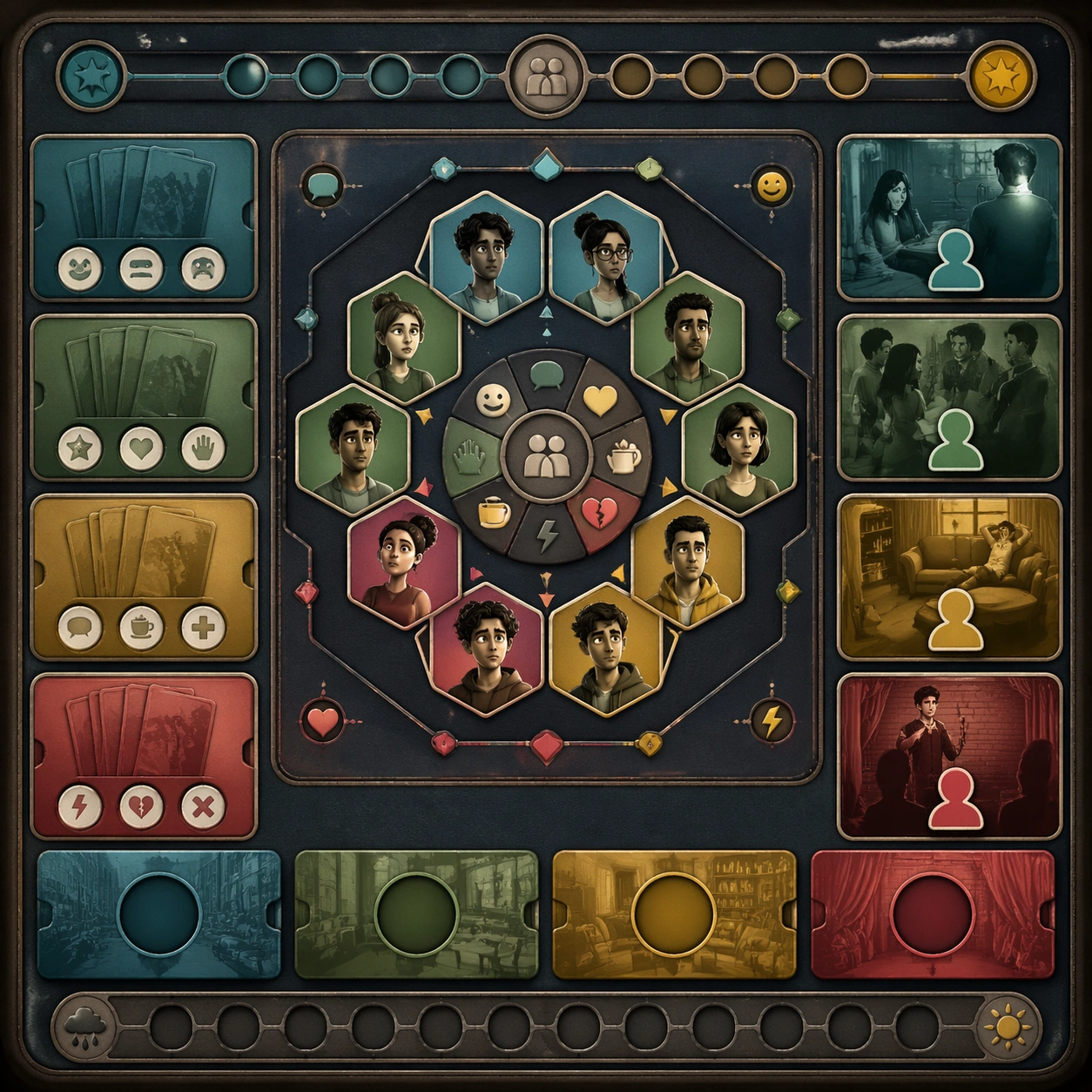 Support Four
Scene: Create a square standalone support image for Awkward Social Realism Comedy Set. Build a fourth support-surface study with a clear focal hierarchy and a finished professional surface. Use a poli
của ChaosRealmsAI · GPT Image (OpenAI)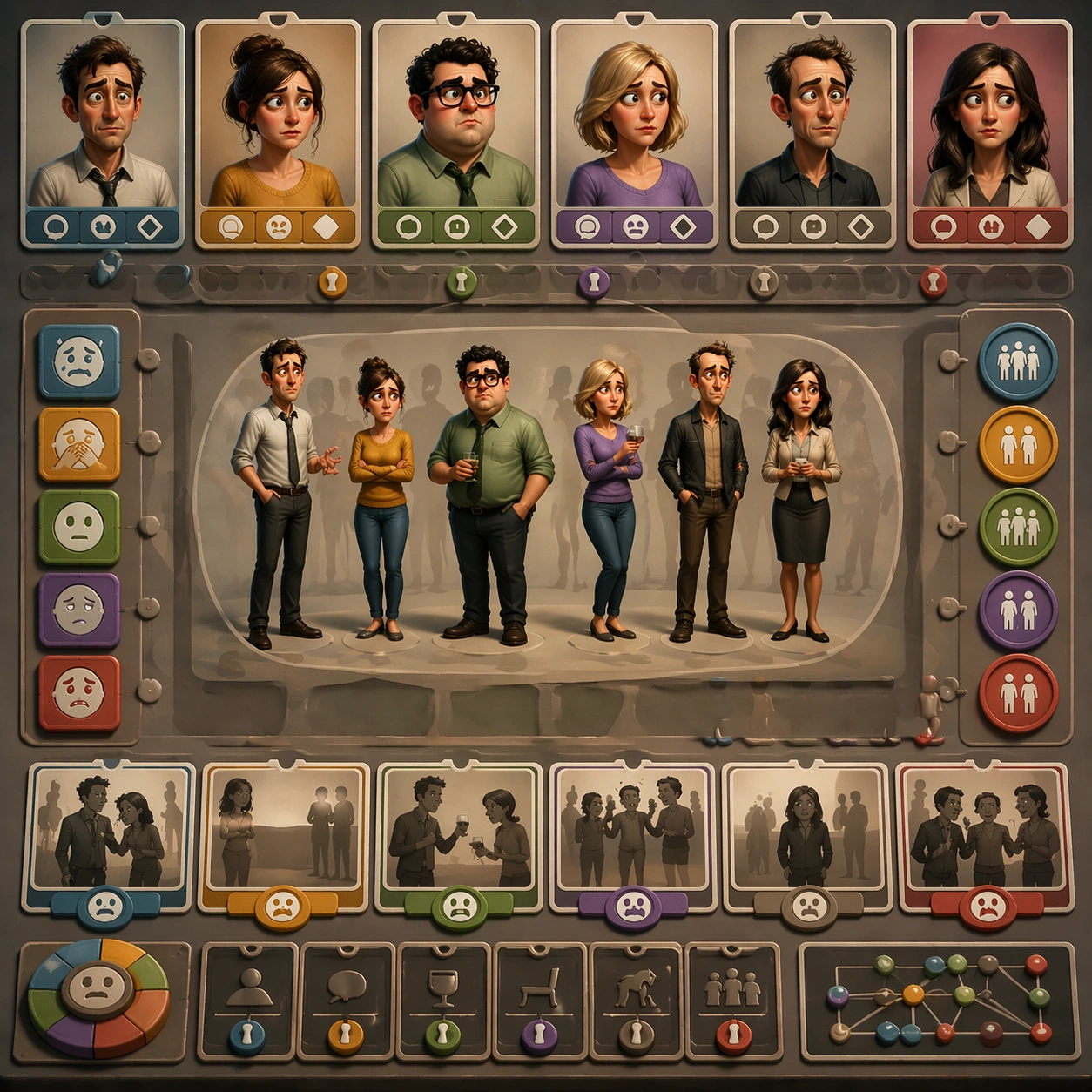 Variant Three
Scene: Create a square dependent image for Awkward Social Realism Comedy Set. Build a third controlled variation in the same system with a premium, production-ready finish. Use a polished modular boar
của ChaosRealmsAI · GPT Image (OpenAI)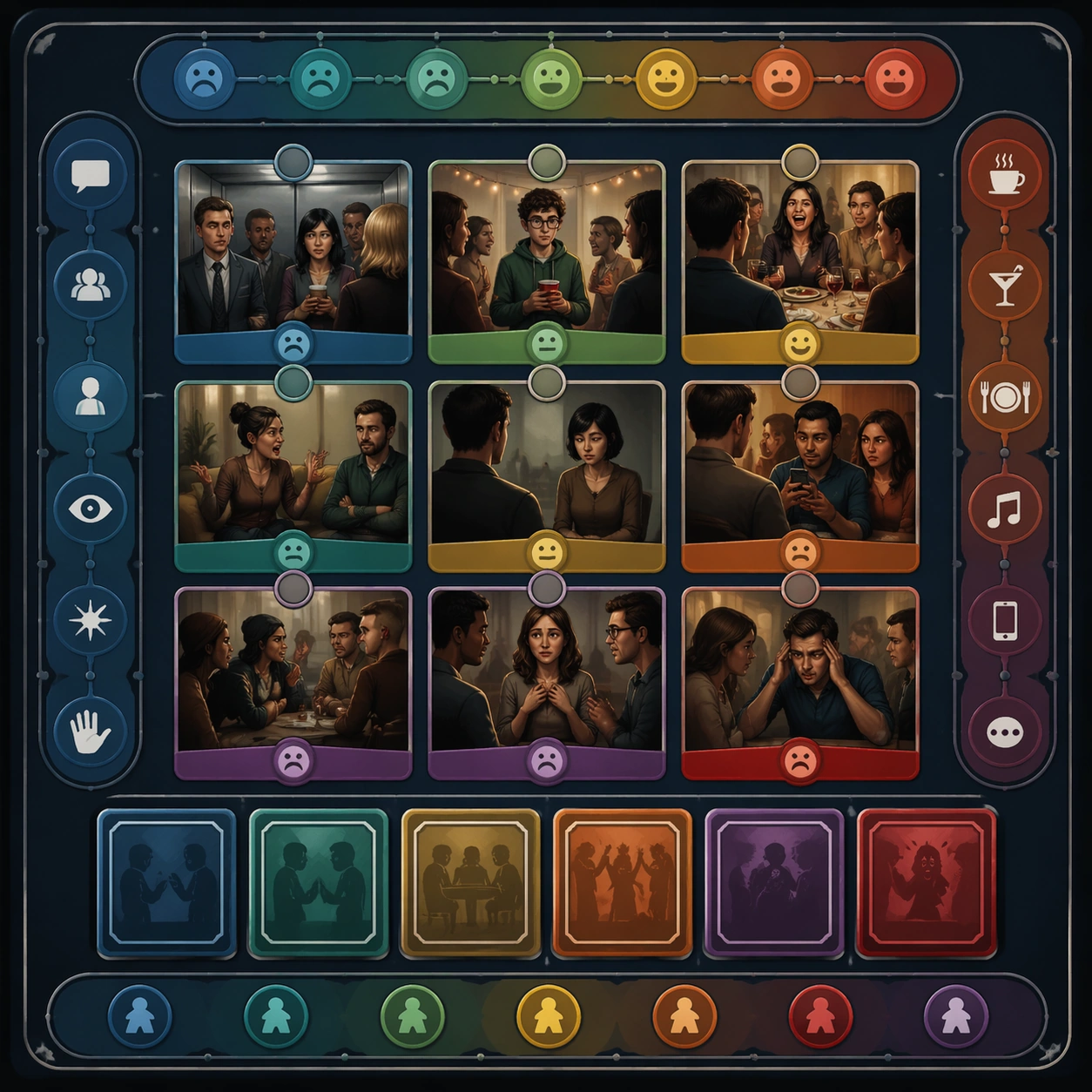 Support One
Scene: Create a square standalone support image for Awkward Social Realism Comedy Set. Build a support-surface study with a clear focal hierarchy and a finished professional surface. Use a polished mo
của ChaosRealmsAI · GPT Image (OpenAI)