Photorealistic image prompts with author and original source. Open one, copy it, paste it into GPT Image, Nano Banana…
Prompt Character quirk comedy sheet cho GPT Image (OpenAI)
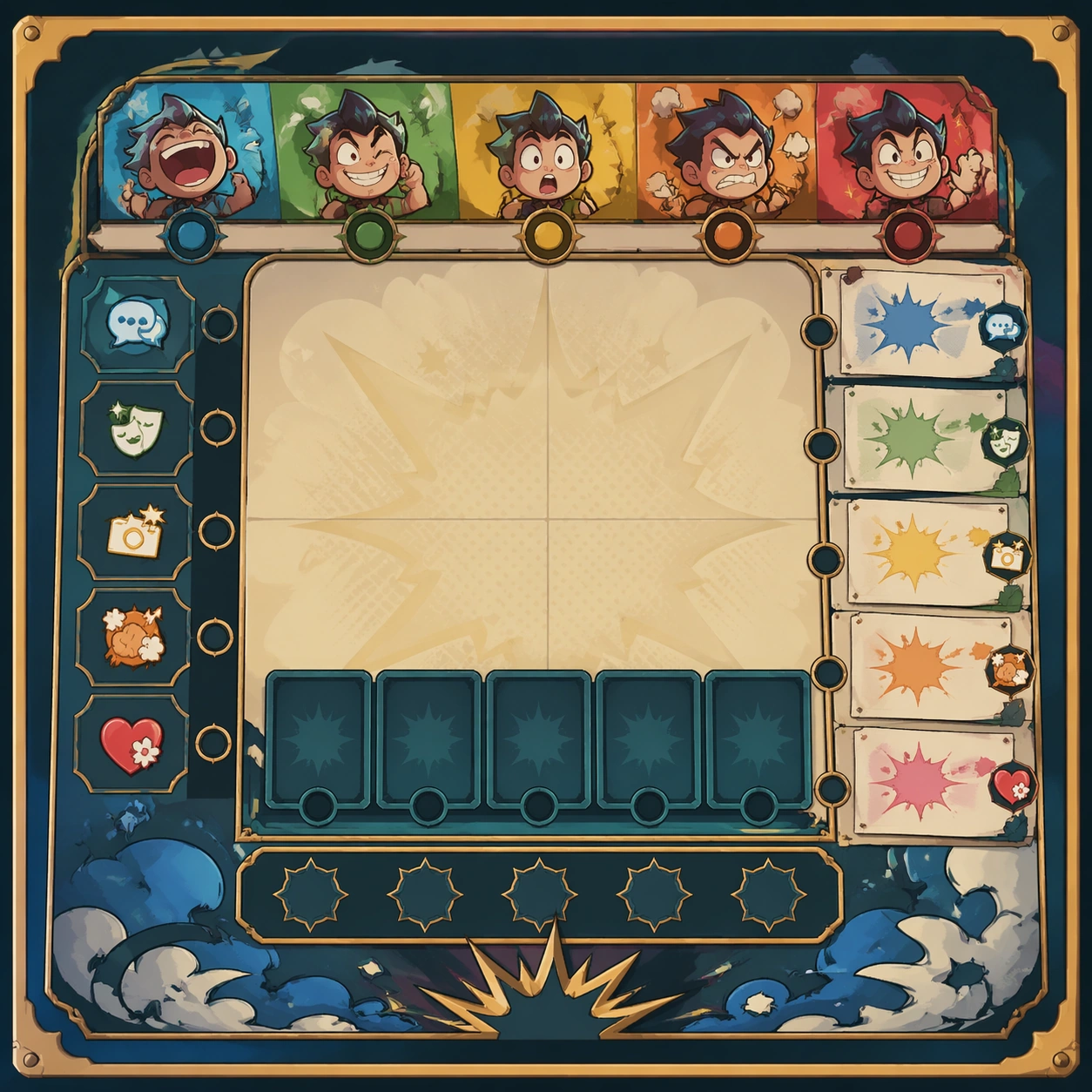 Support Five
Scene: Create a square standalone support image for Character Quirk Comedy Sheet. Build a fifth support-surface study with a clear focal hierarchy and a finished professional surface. Use a polished m
của ChaosRealmsAI · GPT Image (OpenAI)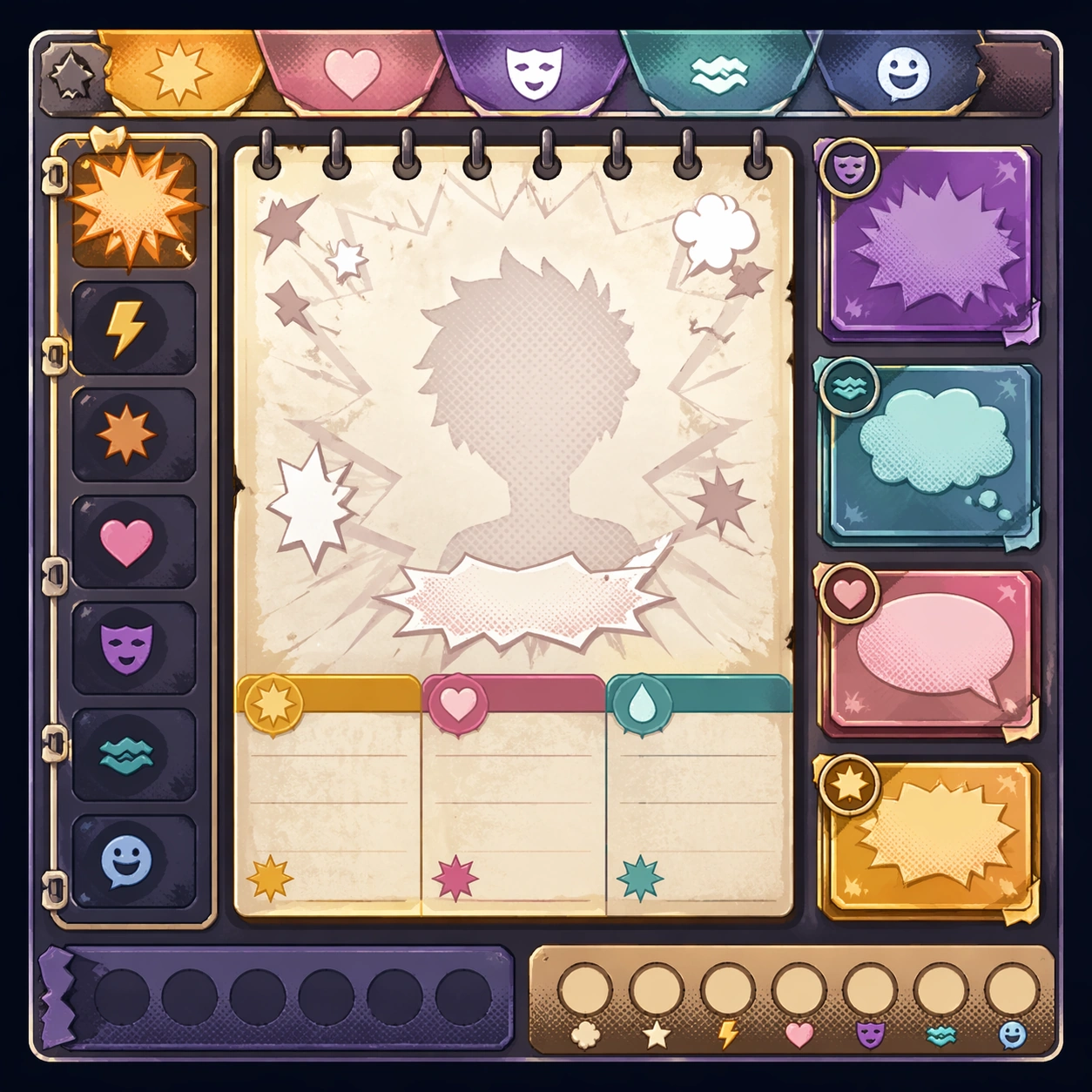 Support One
Scene: Create a square standalone support image for Character Quirk Comedy Sheet. Build a support-surface study with a clear focal hierarchy and a finished professional surface. Use a polished modular
của ChaosRealmsAI · GPT Image (OpenAI)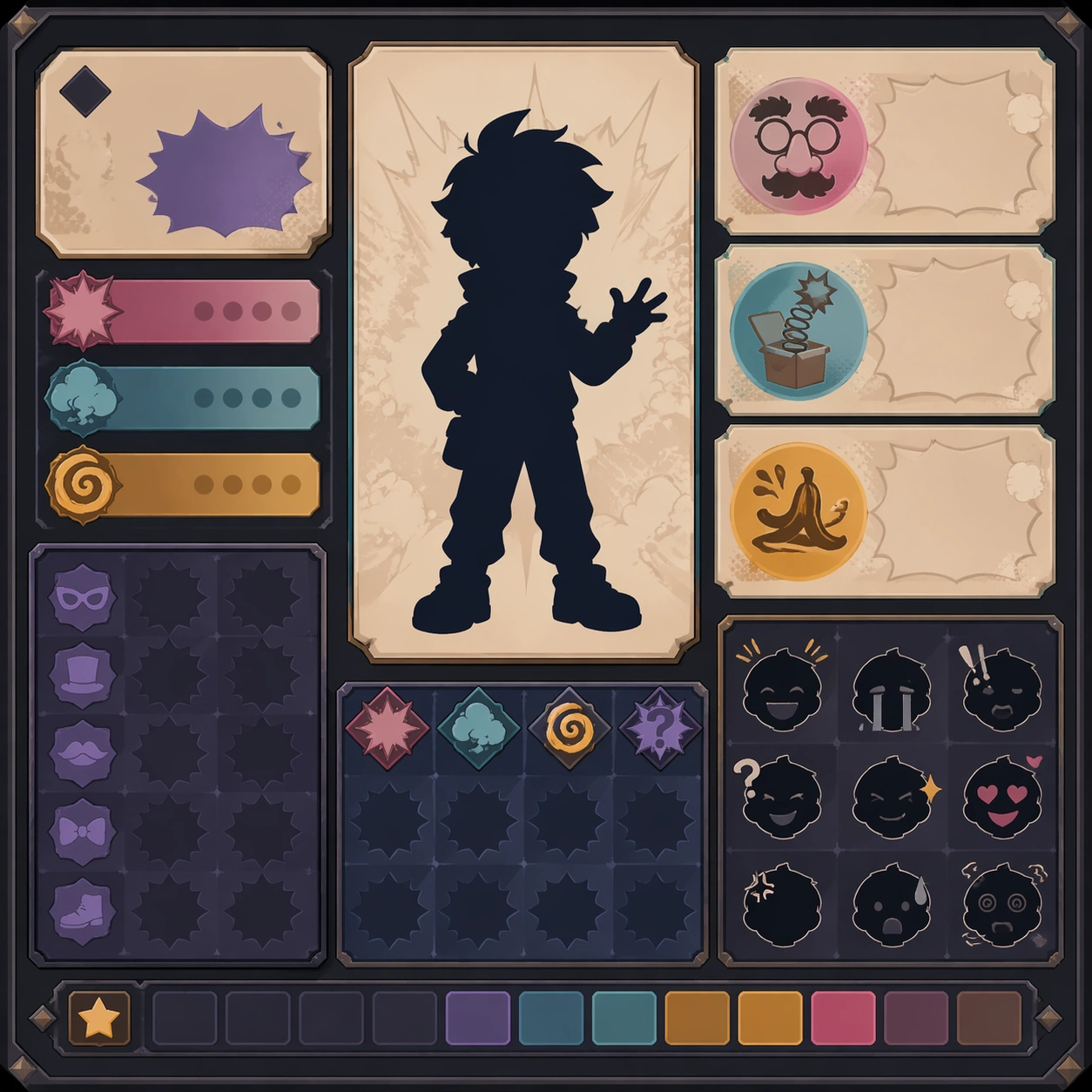 Reference Anchor
Scene: Create a square reference image for Character Quirk Comedy Sheet. Build a reference anchor establishing the core system with a premium, production-ready finish. Use a polished modular board or
của ChaosRealmsAI · GPT Image (OpenAI)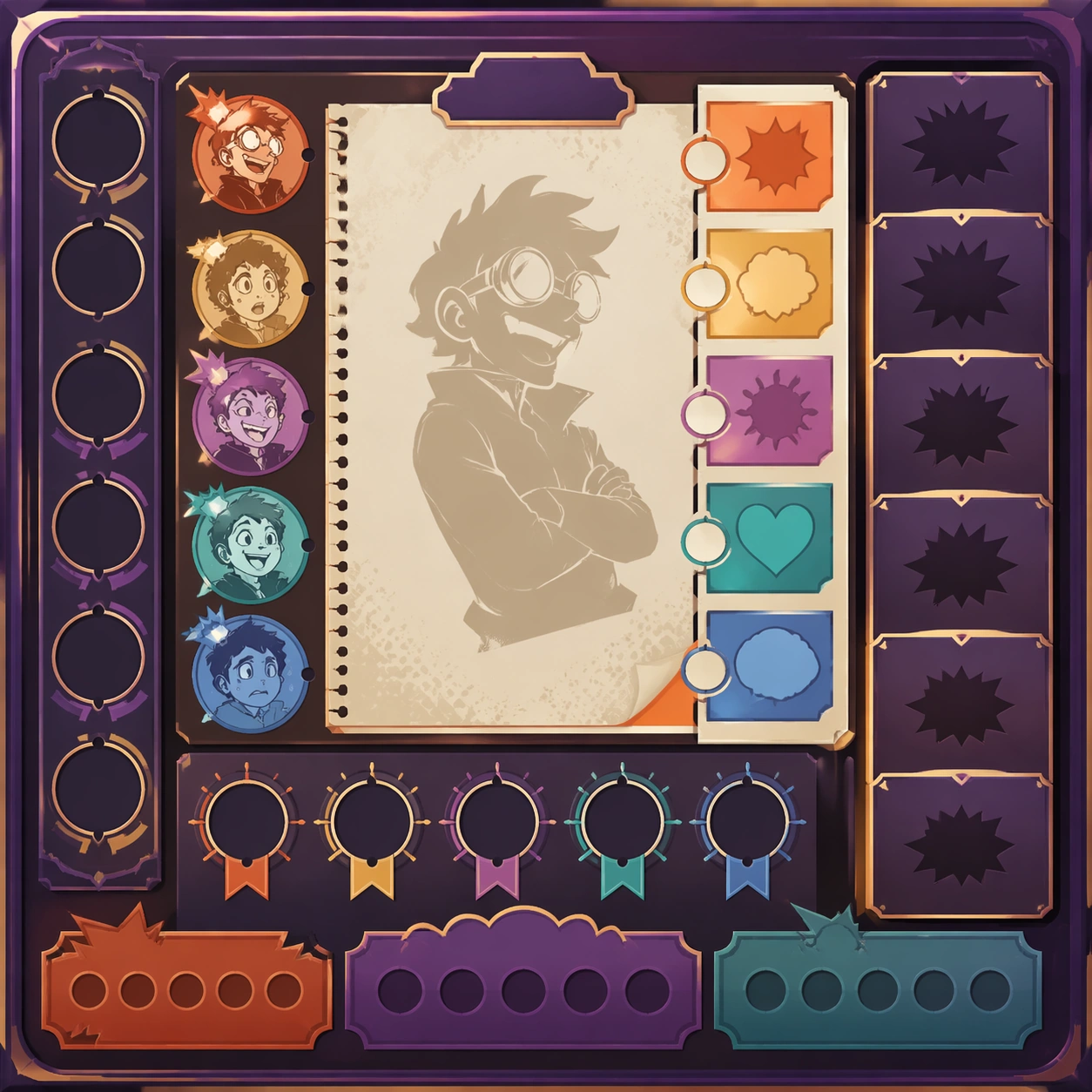 Support Two
Scene: Create a square standalone support image for Character Quirk Comedy Sheet. Build a second support-surface study with a clear focal hierarchy and a finished professional surface. Use a polished
của ChaosRealmsAI · GPT Image (OpenAI)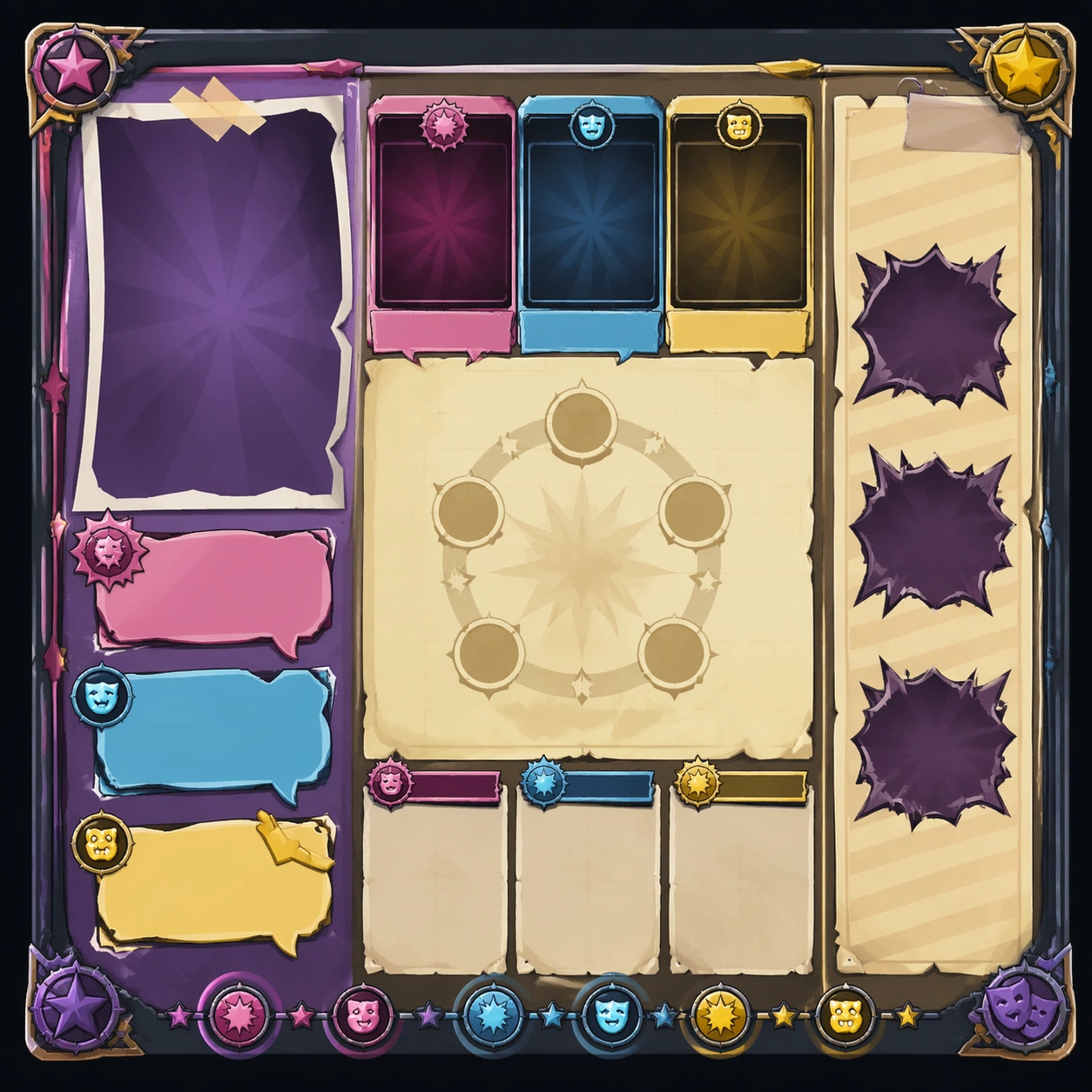 Support Three
Scene: Create a square standalone support image for Character Quirk Comedy Sheet. Build a third support-surface study with a clear focal hierarchy and a finished professional surface. Use a polished m
của ChaosRealmsAI · GPT Image (OpenAI)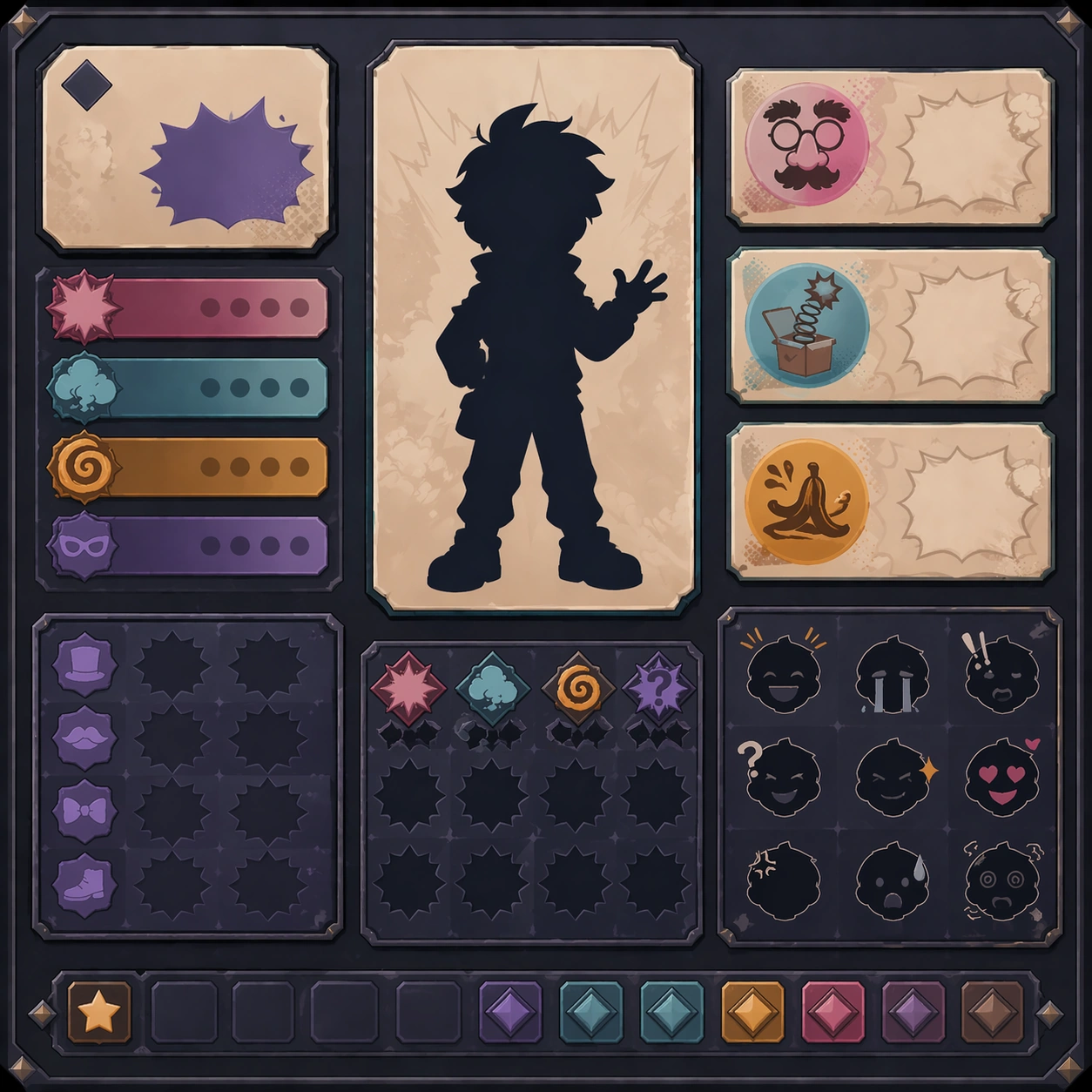 Variant Two
Scene: Create a square dependent image for Character Quirk Comedy Sheet. Build a second controlled variation in the same system with a premium, production-ready finish. Use a polished modular board or
của ChaosRealmsAI · GPT Image (OpenAI)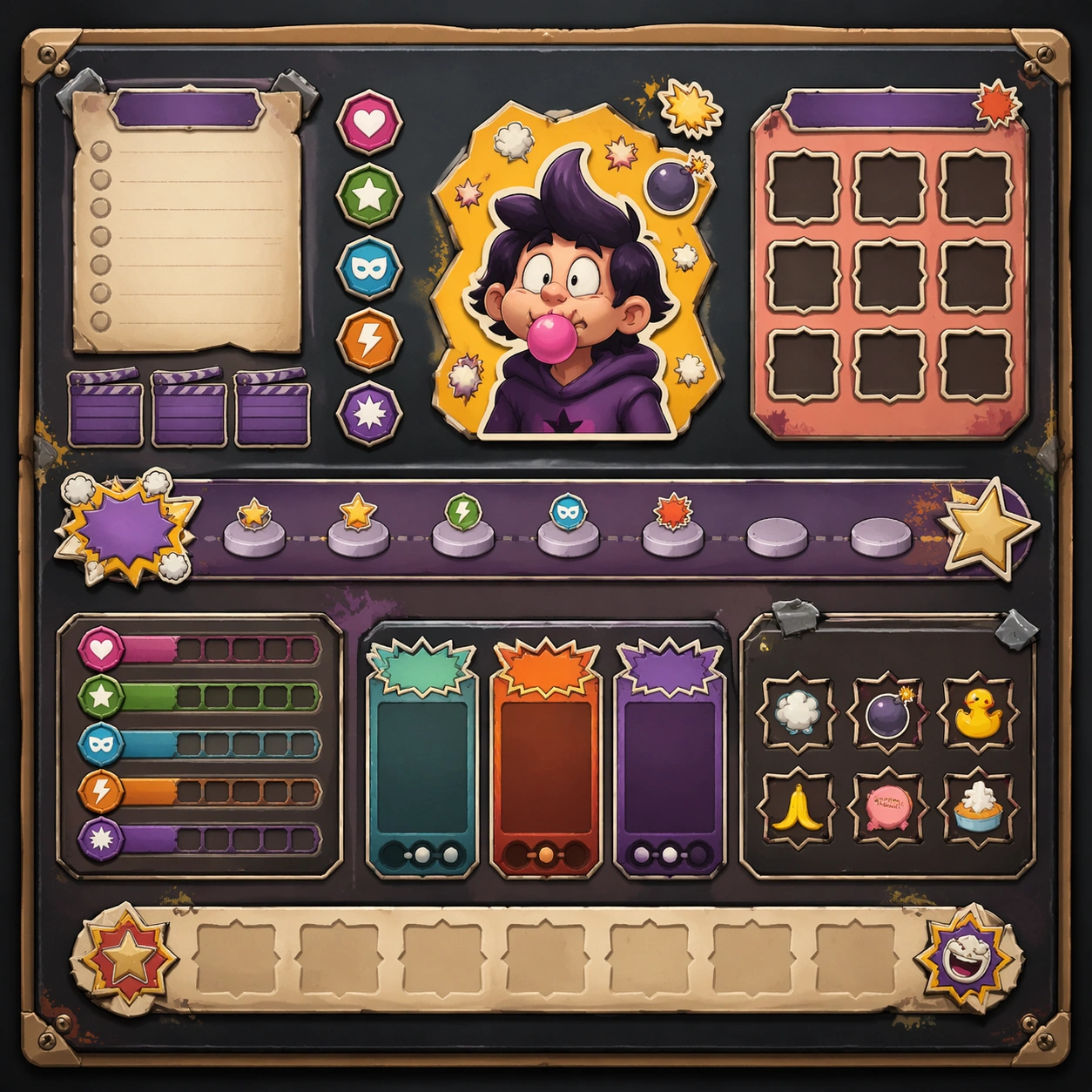 Support Four
Scene: Create a square standalone support image for Character Quirk Comedy Sheet. Build a fourth support-surface study with a clear focal hierarchy and a finished professional surface. Use a polished
của ChaosRealmsAI · GPT Image (OpenAI)